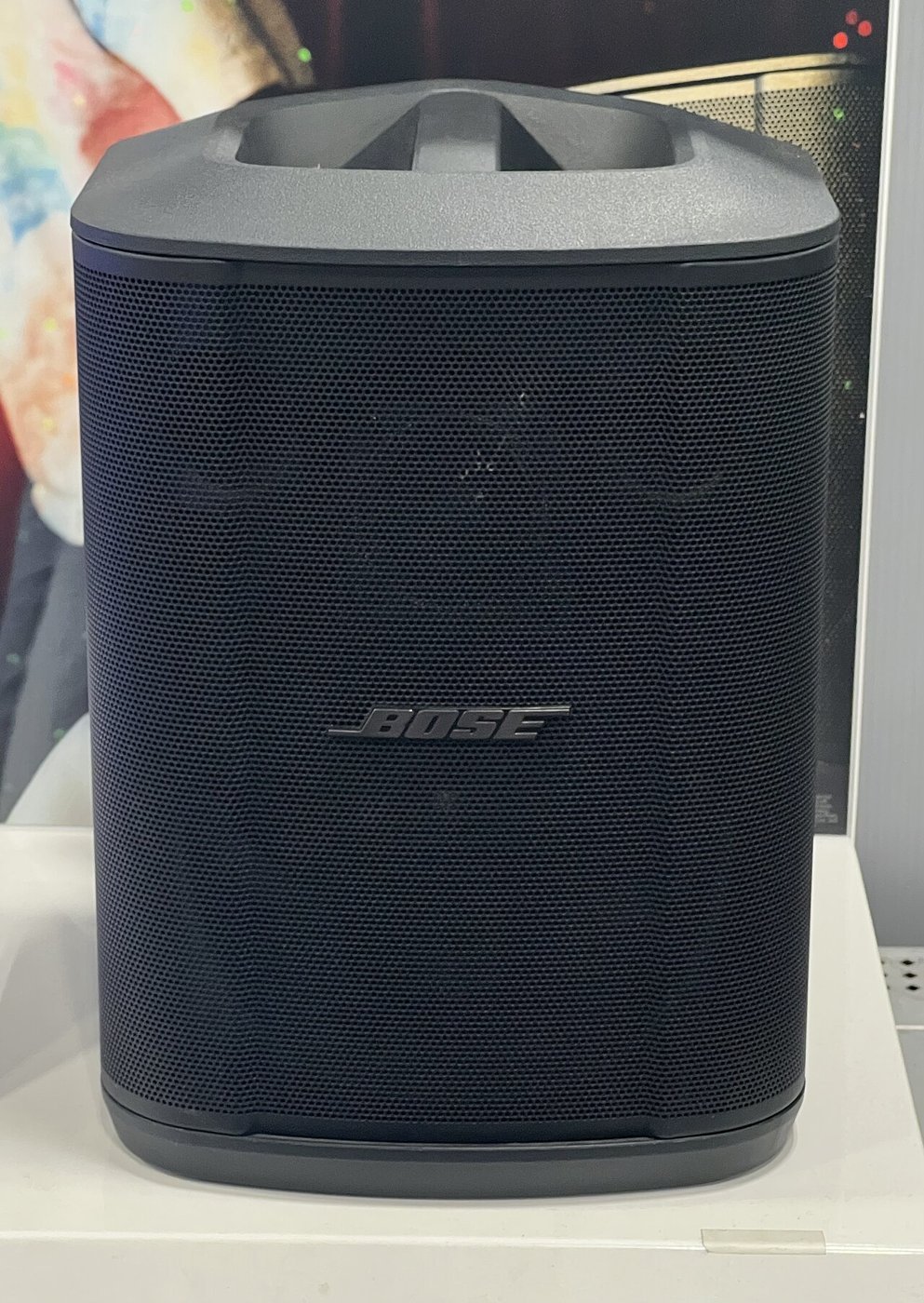
A Bose S1 Pro+ speaker. Its removable battery pack slides into the bottom. Photo: TaurusEmerald, Wikimedia Commons, CC BY-SA 4.0.
If you’ve ever been to a backyard party, a youth soccer banquet, a church picnic, or a wedding where the DJ was somebody’s cousin, you’ve probably heard a Bose S1 Pro. It’s that black, lunchbox-shaped speaker with a handle on top that somehow fills a whole yard with sound. Lots of people own one. And a lot of those people need to pull the battery out of it today.
On November 5, 2026, Bose and the U.S. Consumer Product Safety Commission (CPSC) announced a recall of about 634,759 lithium-ion battery packs made for the Bose S1 Pro and S1 Pro+ speaker systems. Another roughly 35,400 were sold in Canada. According to the CPSC, the recalled packs can overheat and ignite.
Now the good news, because there’s actually plenty of it: the fix is free, your speaker isn’t headed for the junk pile, and you can keep the party going on wall power while you wait. Here’s how to tell if your battery is one of the bad ones, and exactly what to do about it.
What’s being recalled (and what isn’t)
This recall covers the battery pack, not the speaker itself. Think of it like a recall on a car’s spare tire: the car is fine, but that one part needs to come out. The S1 Pro and S1 Pro+ both use a removable rechargeable battery that slides into the bottom of the speaker. Some of those packs came with the speaker when you bought it, and some were sold separately as extras or replacements.
Per the CPSC, the packs were sold from December 2017 through July 2026 at Bose stores, Best Buy, and other retailers, plus online at Amazon, Bose.com, BestBuy.com, Walmart.com, and other sites. On their own, the packs cost $100 to $160. The full speaker systems with a pack sold for about $700. So if you own one of these, you paid real money for it, and you’ll want that free replacement.
Not every pack is affected. Only certain batches are, and you can tell them apart by the serial number.
How to check your battery in about five minutes
Grab a screwdriver. Bose’s recall page walks through it, and it’s easier than assembling anything from IKEA:
- Turn the speaker off and unplug it from the wall.
- Flip it over. On the bottom, loosen the two screws and take off the bottom plate.
- Pull the battery pack out using the pull tabs.
- Find the 17-digit serial number printed on the battery’s label, just below the bar code.
- Look at the first six digits.
Your battery pack is recalled if the serial number starts with any of these:
- 083723
- 078352
- 084105
- 078591
- 078592
- 084106
- 086409
One heads-up that trips people up: the speaker and the battery have separate serial numbers. Bose specifically warns you to use the one printed on the battery pack, not the one on the speaker. If you’ve got a spare pack sitting loose in a closet, you don’t have to open anything. Just read the label on it.
If your number doesn’t start with one of those seven codes, Bose says your pack isn’t part of the recall and is fine to keep using. Put it back, screw the plate on, and carry on.
What actually went wrong
According to the CPSC, Bose has received seven reports of these battery packs melting, smoking, or catching fire, and six of those involved property damage. No injuries have been reported. Health Canada’s notice adds a bit of explanation: as the packs age, continued use can expose the lithium-ion cells inside to potentially damaging operating conditions. In plain English, older packs can wear down in a way that turns them into a fire risk.
Seven reports out of more than 600,000 packs sounds tiny, and it is. But a speaker battery isn’t like a TV remote. These things get charged overnight in garages, tossed in hot car trunks, and set up next to coolers, kids, and folding tables full of food. If one decides to melt, you want it to be nowhere near any of that. That’s why Bose is pulling every pack from the affected batches instead of waiting to see which ones misbehave.

How to get your free replacement
If your pack is on the list, here’s the drill, straight from Bose and the CPSC:
- Stop using the battery pack right away. If it’s still in the speaker, take it out.
- Write down the 17-digit serial number from the battery label. You’ll need it.
- Go to Bose’s recall page at bose.com/support/s1-battery-recall, enter the battery’s serial number, and request a free replacement pack. You can also find it by clicking “Product Recalls” at the bottom of Bose.com.
- Prefer the phone? Call Bose toll-free at 800-278-1083, 9 a.m. to 9 p.m. Eastern, Monday through Friday, and 9 a.m. to 7 p.m. Eastern on Saturday.
Bose notes that online requests aren’t available in every region. If the replacement page doesn’t work for you, call or contact Bose support directly.
Yes, you can still use your speaker
This is the best part. Once the bad battery is out, both Bose and the CPSC say you can keep using the S1 Pro or S1 Pro+ while it’s plugged into a regular wall outlet. You just lose the cordless part for a while. So the Friendsgiving playlist is safe. You might just need an extension cord and a little creativity about where the speaker sits.
Don’t toss the old battery in the trash
Here’s where good intentions go sideways. A recalled lithium-ion battery is not a regular battery, and it does not belong in the kitchen garbage. A damaged pack can get crushed in a garbage truck or a recycling machine and start a fire. The CPSC says do not put it in:
- Your household trash
- Curbside or street recycling bins
- Those battery drop-off boxes at big-box and home improvement stores
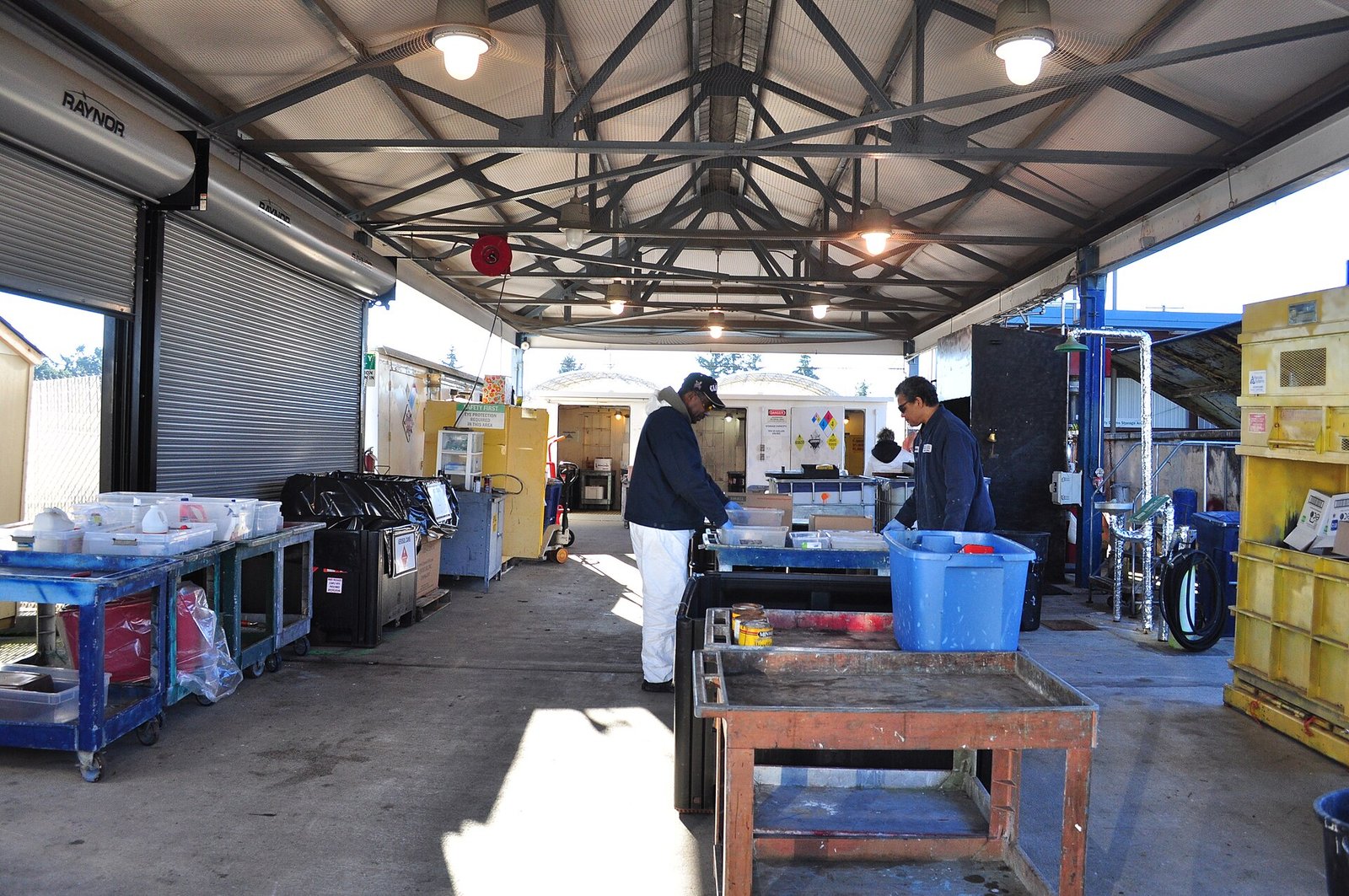
Instead, call your city or county’s household hazardous waste (HHW) collection center first and ask if it takes recalled lithium-ion batteries. If not, ask your local government where to bring it. Until drop-off day, store the pack somewhere boring and safe: not on a charger, away from anything that burns, and not rattling around in your car.
Why it matters to you
Portable speakers have become as common as folding chairs. They live in garages, ride in trunks, and come out for every birthday, tailgate, and holiday get-together. With Thanksgiving and holiday parties right around the corner, this is exactly the season these speakers get dragged out, charged up, and left running for hours. Better to check now than to find out the hard way in the middle of the cranberry sauce.
It’s also a reminder that a big brand name doesn’t make a battery immune to problems. Lithium-ion packs are everywhere now, from speakers to power tools to e-bikes. The good news is that when a company like Bose stands behind a recall, the fix is usually simple and free. You just have to know about it, which is why it’s worth passing this along to the friend who DJs every family reunion.
Quick checklist
- Find every S1 Pro or S1 Pro+ battery in the house, including spare packs.
- Check the first six digits of each battery’s serial number against the list above.
- If it matches, remove it, stop using it, and request a free replacement from Bose.
- Keep using the speaker on wall power in the meantime.
- Call your local household hazardous waste center before dropping off the old pack.
- Never sell or give away a recalled battery pack, even at a yard sale.
Not sure whether your pack is affected, or have a question about another gadget in your house? Drop me a note on the Contact Us page.
Like your tech news short and sweet? Swing by my YouTube channel for quick takes and how-to videos.
Sources
- CPSC: Bose Recalls Lithium-Ion Battery Packs for S1 Pro and S1 Pro+ Bluetooth Speaker Systems (Recall 27-065, Nov. 5, 2026)
- Bose: Recall of S1 Pro and S1 Pro+ System Battery Packs (how to check and request a replacement)
- Health Canada: Bose S1 Pro and S1 Pro+ System Battery Packs recalled due to fire and burn hazards
- Consumer Reports: Fire Risk Prompts Recall of 600,000+ Batteries for Bose S1 Pro and S1 Pro+ Speakers

More Stories
ArtCraft: 16 Free Apps That Want to Fire Your Adobe and Microsoft Bills
Microsoft Paint Just Got a Security Fix, and Windows Update Won’t Install It for You
That Little Black Power Bank in Your Drawer Might Be on a Federal Fire Warning