
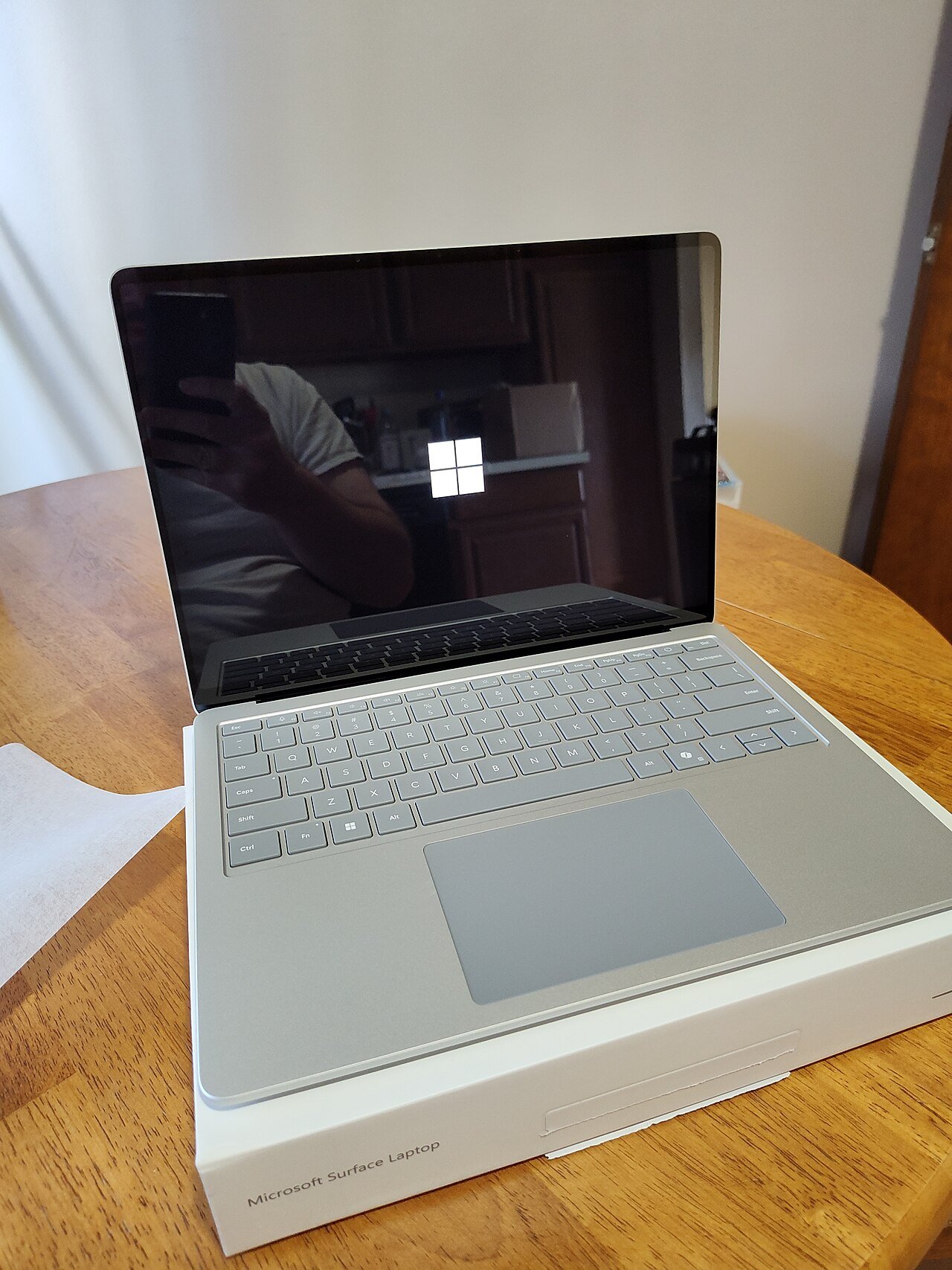
Paint's fix arrives through the Microsoft Store, not Windows Update, so it's worth a one-minute check. Photo: Shixart1985, Wikimedia Commons, CC BY 2.0.
Of all the programs on your computer, Microsoft Paint is probably the last one you’d suspect of anything. It’s the app where you once drew a lopsided house with a sun in the corner, or cropped a screenshot for a work email. It is the golden retriever of Windows software. And yet, this week, it needed a security patch.
Microsoft has fixed a flaw in Paint that, in the wrong hands, could let a booby-trapped image file run its own code on your PC. Here’s the twist that makes this worth five minutes of your Sunday: the fix doesn’t come through Windows Update. It comes through the Microsoft Store, as a regular app update. So you can be the person who installs every Windows update the day it comes out and still be running an older, unpatched Paint.
The good news is that this is not a five-alarm fire, and checking takes about a minute. Here’s what happened, how worried to be (spoiler: mildly), and exactly how to make sure your copy is fixed.

What’s actually wrong with Paint?
Microsoft first published a security notice for the bug on October 13, 2026. It’s tracked under the name CVE-2026-83844, which is just the official ID number security folks use, like a case number at the DMV. Microsoft calls it a “Windows Paint Remote Code Execution Vulnerability.”
In plain English, the problem is something called an “out-of-bounds read.” Picture asking a waiter to bring you the first three items on a menu, and he walks off with the fourth, the fifth, and somebody’s car keys from the next table. Paint, when it opened a specially built image, could be tricked into reading parts of the computer’s memory it was never supposed to touch. According to Microsoft, a clever attacker could use that slip to run their own code on your PC.
That’s the scary part. Now for the part that should lower your blood pressure.
How worried should you be?
Honestly? Not very, as long as you update. Microsoft’s own notice says:
- The flaw had not been made public before the fix, and Microsoft says it has not seen it used in attacks.
- Microsoft rates real-world attacks as “Exploitation Less Likely.”
- Pulling it off is rated high complexity. Microsoft says a successful attack takes “a deep understanding of the system” and isn’t guaranteed to work.
- Its overall severity label is Important, one step below Microsoft’s top “Critical” rating.
There was also some back-and-forth on how the attack would work. Early on, the notice described it as something that could happen over a network with no clicking required, and tech sites like Windows Latest called it a “no-click” bug. Then, on November 7, Microsoft updated the notice, lowered the severity score from 8.1 to 7.0 out of 10, and explained that the attack actually happens on your own computer and needs you to do something. Its example: an attacker uses a trick to convince you to download and open a specially crafted file from a website.
Translation: the most realistic danger is the classic one. Someone sends you a “funny picture,” a fake invoice, or a “photo of your package” and hopes you’ll open it. Which is exactly why the fix is worth having, because those tricks are older than Paint itself.
The weird part: Windows Update won’t fix it
Most of us think of Windows updates as one big bucket. Patch Tuesday rolls around, your PC restarts at the worst possible moment, and you assume everything is now patched. But Paint isn’t part of that bucket anymore. It’s an app, like the ones you download from the Store, and it gets its updates from the Microsoft Store.
On November 6, Microsoft updated its notice to say that fully fixing the flaw requires a new version of Paint, 11.2609.401.0, and recommended “installing this new version or ensuring that it was automatically updated.” Security news site The Hacker News confirmed the same day that the fix is delivered only through a Store update, not through Windows Update.
And the rollout has been a little bumpy. Windows Latest reported on November 5 that its test PC had Store auto-updates turned on and was still running an older Paint (version 11.2603.251.0), with no update showing in the Store. The Hacker News reported that a device-management expert checking the Store in six countries earlier in the week found only an older build without the fix. By November 6, the fixed build was the newest one available in all ten countries The Hacker News checked.
So most PCs should get the fix on their own eventually. “Eventually” just isn’t a great word to hear about a security patch.
How to check your Paint version in one minute
No command lines, no tech degree. Just this:
- Open Paint. The easiest way is to click Start and type “Paint.”
- Click the Settings gear in the top-right corner of the Paint window.
- Look under About Paint for the version number.
- If it says 11.2609.401.0 or higher, you’re done. Go reward yourself with a snack.
Reading the number can be a little confusing, so here’s the trick: look at the second chunk of numbers. If it’s 2609 or higher, you’re good. If it’s something like 2603 or 2605, you’re behind.
How to update Paint if you’re behind
- Open the Microsoft Store app (it’s the shopping bag icon, or type “Store” in the Start menu).
- Click Library in the lower-left corner.
- Click Get updates and let the Store check and install everything it finds, Paint included.
- Close Paint if it was open, reopen it, and check the version again under About Paint.
If Paint doesn’t show up in your list, search the Store for “Paint” and open the listing from Microsoft Corporation, or use Microsoft’s own Store link for Paint, which is the same link Microsoft attached to its security notice. If an update is waiting, you’ll see an Update button there.
One more catch if you share a PC
Here’s a detail most people would never guess. Store apps like Paint are installed separately for each user account on a computer, according to The Hacker News. So if the family desktop has an account for you, one for your spouse, and one for the kids, updating Paint under your login doesn’t automatically fix the others.
If that’s your house, have each person sign in and do the quick check, or sign in to each account yourself and press Get updates. It’s the digital version of making sure everybody actually brushed their teeth.
Why it matters to you
This one isn’t really about Paint. It’s about a blind spot. Lots of the apps that come with Windows 11, the ones that feel like they’re part of Windows itself, now get their security fixes through the Microsoft Store on their own schedule. If you’ve turned off Store auto-updates, or you have a PC that only gets switched on at tax time, those fixes may never arrive on their own.
So add one small habit to your routine. Every month or so, when you think about Windows Update, also open the Microsoft Store, click Library, and press Get updates. It takes less time than finding the TV remote, and it covers a whole category of patches that Windows Update quietly skips.
And keep your guard up around surprise files. Even with this bug fixed, the oldest trick in the book still works best: getting you to open something you weren’t expecting. If an image, invoice, or “shipping photo” shows up out of nowhere, don’t open it until you’ve confirmed who sent it and why.
Quick checklist
- Open Paint, click the Settings gear, and check the version under About Paint.
- If it’s below 11.2609.401.0, open the Microsoft Store, go to Library, and click Get updates.
- Make sure Store auto-updates are on so future app fixes install themselves.
- On shared computers, check Paint under every user account.
- Don’t open surprise image files or attachments from people or companies you weren’t expecting to hear from.
Stuck on a step, or seeing a version number that doesn’t make sense? Send me a note through the Contact Us page.
Rather watch than read? Catch my quick daily tech shorts on YouTube.
Sources
- Microsoft Security Response Center: CVE-2026-83844, Windows Paint Remote Code Execution Vulnerability (revised Nov. 6 and Nov. 7, 2026)
- The Hacker News: Microsoft Paint RCE Fix Now Available, but Windows Update Won’t Deliver It (Nov. 6, 2026)
- Windows Latest: Windows 11’s Paint has a hacking bug, and even with auto-updates on, you may not have the fix (Nov. 5, 2026)
- TechCity: Microsoft fixed a serious Paint flaw through the Microsoft Store. Here’s how to check you have it (Nov. 8, 2026)
- Dutch National Cyber Security Centre (NCSC): Vulnerability in Microsoft Windows Paint (in Dutch)


More Stories
ArtCraft: 16 Free Apps That Want to Fire Your Adobe and Microsoft Bills
Own a Bose S1 Pro Speaker? Pull the Battery Out Before Your Next Party
That Little Black Power Bank in Your Drawer Might Be on a Federal Fire Warning