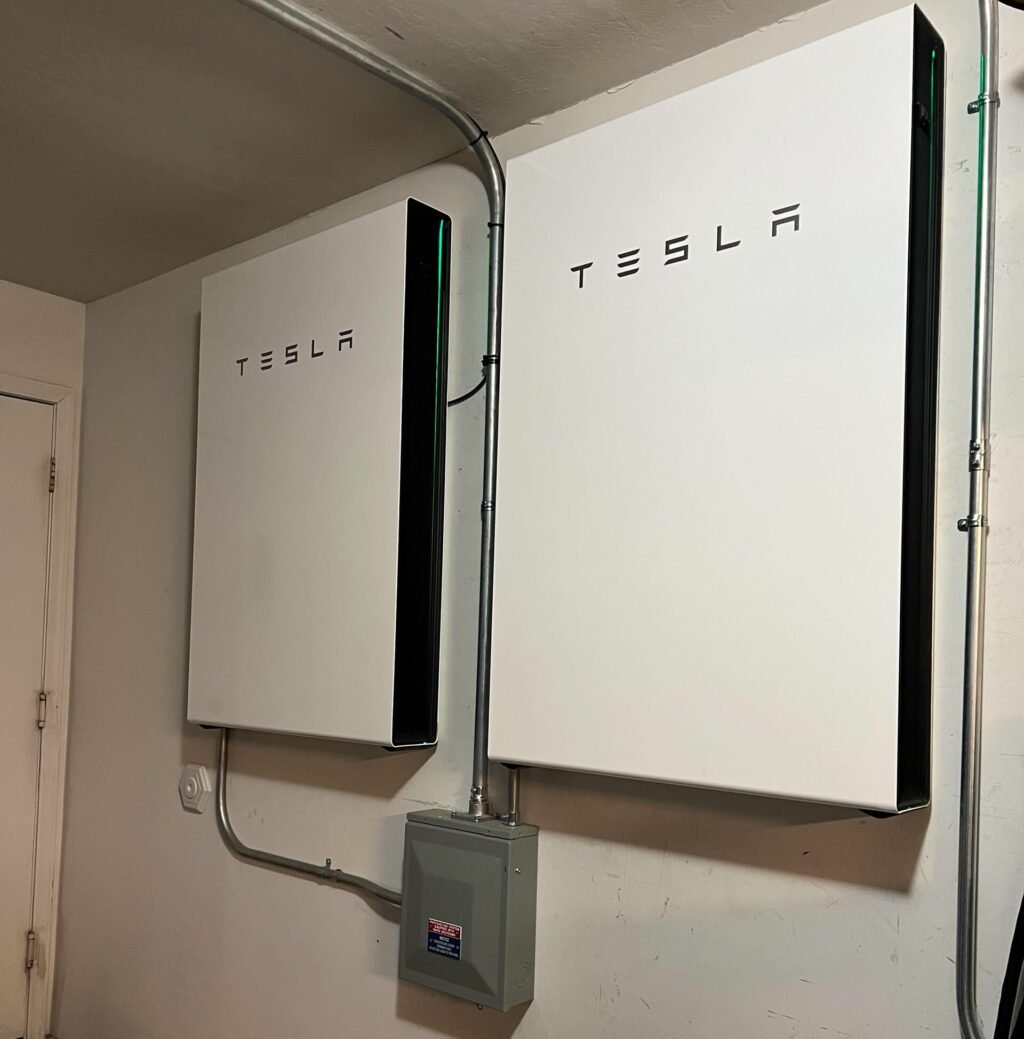
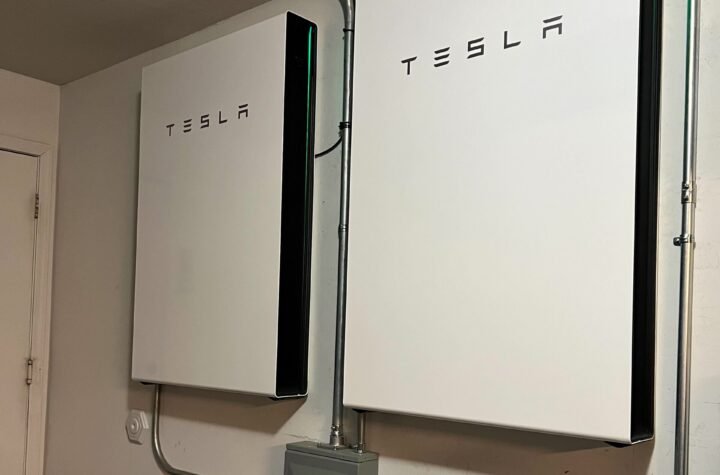
With the new update, a Powerwall like these can decide when any EV plugged into a Tesla Wall Connector charges. Photo: Rsparks3, Wikimedia Commons. CC0 (public domain).
For years, owning a Tesla home battery and a non-Tesla electric car was a bit like owning a smart fridge that refused to talk to your milk. The battery on the wall knew exactly when your solar panels were making extra power. The car in the driveway, if it wasn’t a Tesla, just charged whenever you plugged it in, sunshine or not.
That changed on Friday, November 6. Tesla Energy announced on X that Smart Charging, the feature that lets a Powerwall decide when your car charges, now works with any electric vehicle, as long as it plugs into a Tesla Wall Connector. It’s a small software update with a very practical promise: more of your own solar ends up in your car instead of being sent off to the power company.
It hasn’t made much noise outside of Tesla fan sites and solar installer blogs yet. So here’s the plain-English version: what changed, what you need, and whether it can actually save you money.
What actually changed?
Smart Charging lives in the Tesla app, under the Tesla Home section. According to Tesla Energy’s post, it “looks at your solar, home goals & driving needs, then automatically charges your EV at the best times.” Think of it as a very patient house manager. Instead of you setting a timer, the Powerwall watches the weather forecast, your electricity rates, and what your house is using, then picks the charging windows for you.
The feature itself isn’t brand-new. It started showing up with Powerwall and Wall Connector firmware version 26.34 in October, and owners first reported it around October 7, according to Soth.pl. The news on November 6 is the guest list. Until then, Tesla’s own wording only mentioned “your Tesla vehicle or other supported EV” without spelling out which other cars counted. Now Tesla says plainly that it’s compatible with any EV.
Why does that matter? Because the smart part happens in the battery and the charger, not in the car. As TrendingTesla put it, this is a home energy update, not a car update. Your non-Tesla car doesn’t need any special software. It just needs to be able to plug into the Wall Connector.
The two modes, in normal-person terms
Smart Charging has two settings, and which one you get depends on the mode your Powerwall is already in. They can’t run at the same time.
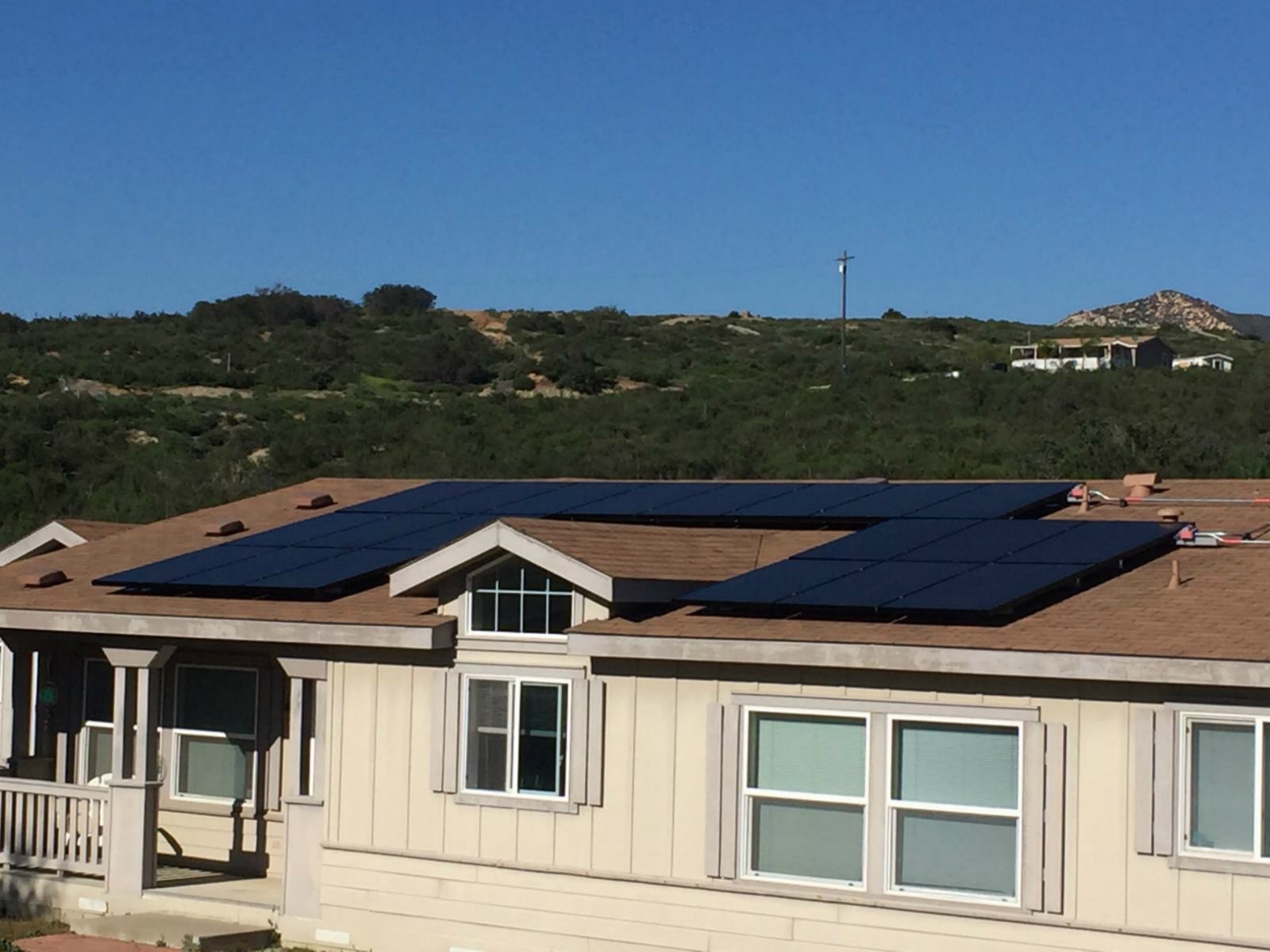
- Charge on Solar (when your Powerwall is in Self-Powered mode). Extra solar power that your house isn’t using goes into the car instead of being exported to the grid. It’s like catching rainwater in a barrel instead of letting it run down the gutter.
- Low-Cost Charging (when your Powerwall is in Savings mode). The system looks at your utility’s rate plan and the solar forecast, and charges the car during the cheapest hours. This is mainly useful if your utility charges different prices at different times of day, often called a time-of-use plan.
You set two things in the app. The first is a charging target, which is the minimum amount of energy (in kilowatt-hours) your car needs for your normal driving. The second is a departure time, which is when you plan to unplug and leave. Smart Charging promises to hit that target by that time. Anything extra beyond the target only comes from cheap power or spare solar.
There’s one catch for the sunshine purists. If the forecast says there won’t be enough spare solar to hit your target, Charge on Solar will top up from the grid or from the Powerwall itself. Installer guides from Pure Electric and TrendingTesla both say Tesla’s tip is to set the target to 0 kWh if you only want the car charged on leftover solar.
What you need for it to work
This is where a lot of people will find out it isn’t for them, so let’s be honest up front. According to Tesla’s requirements as summarized by installers and TrendingTesla, you need:
- A Powerwall 2 or Powerwall 3, on firmware 26.34 or later.
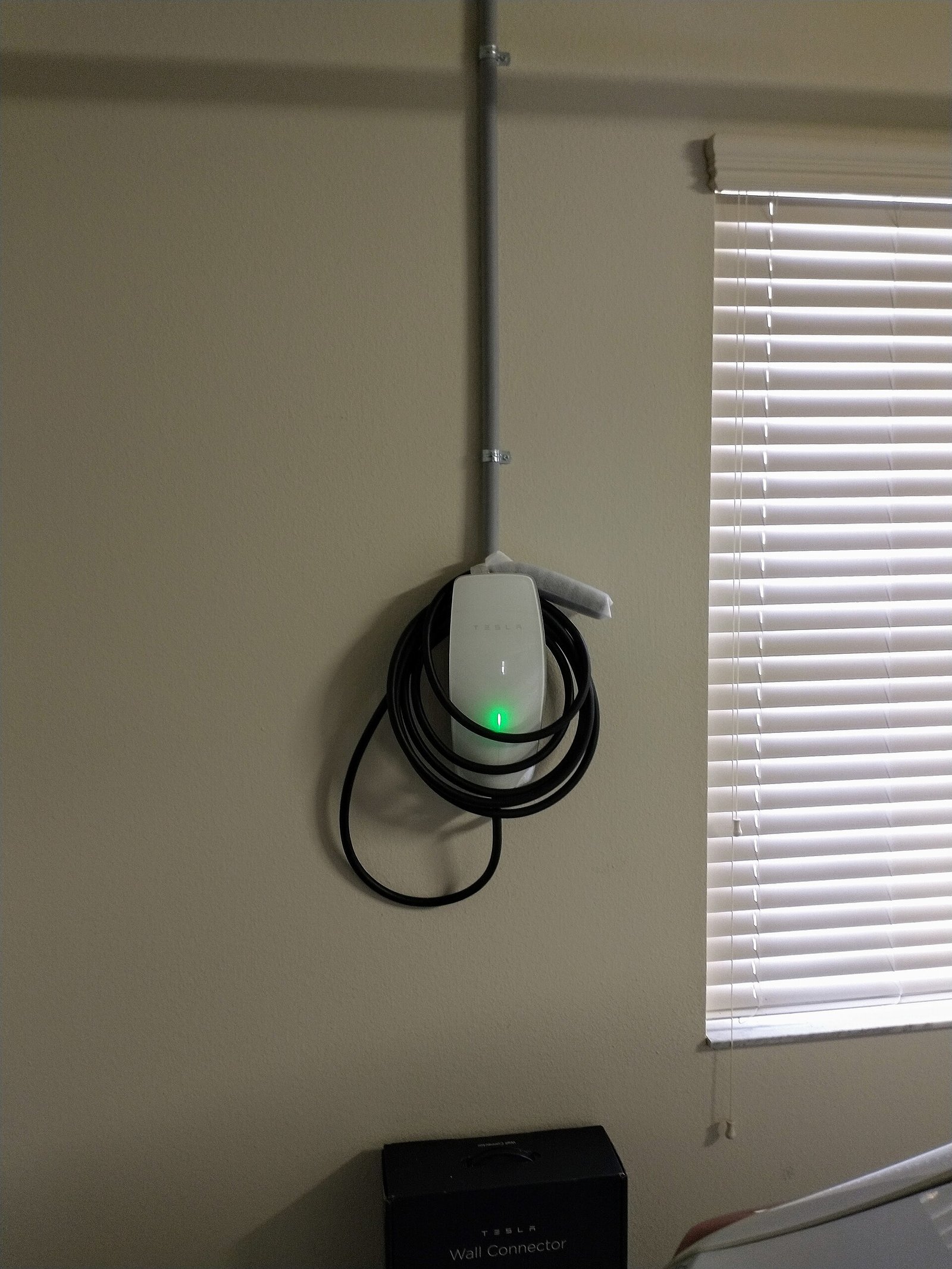
- A Tesla Wall Connector (Gen 3) or Universal Wall Connector, also on firmware 26.34 or later.
- The Tesla app, version 4.57.5 or later, with your phone paired to the Powerwall.
- The Powerwall and the Wall Connector registered to the same energy site and on the same home Wi-Fi network.
- A car that can physically plug into that Wall Connector.
That last point is easier in the U.S. than it sounds. Tesla’s Universal Wall Connector has a Tesla-style plug plus a built-in adapter for the J1772 plug that most non-Tesla EVs have used for years, according to MotorTrend. The regular Gen 3 Wall Connector has only the Tesla-style plug, so a non-Tesla car would need to have that port or use an adapter.
A few limits are worth knowing. Only one Wall Connector per home can use Smart Charging. It doesn’t play nicely with manual charging schedules, and Tesla recommends turning off any charging schedule you’ve set inside the car. It will never charge past your car’s own charge limit. And if you tap Start Charging in the app, it overrides the plan and charges right away.
Tesla also hasn’t published a clear list of countries or a rollout schedule, as Tesla North pointed out. Updates arrive in waves. If you don’t see the option yet, check that both your Powerwall and your Wall Connector show firmware 26.34 or later.
How to turn it on
- Open the Tesla app and make sure it’s up to date.
- Go to Settings, then Vehicle Charging, then pick your Wall Connector and choose Set Charging Configuration.
- Enter your charging target and your usual departure time.
- Plug the car in as soon as you get home. The more hours the system has to work with, the better its chances of catching sunshine or a cheap rate.
Heads up if your Powerwall was already in Self-Powered mode: Soth.pl reports that those homes were switched to Charge on Solar automatically, and Tesla’s release note warned this “may change how much your car charges daily.” If your car suddenly seems less full in the morning, that setting is the first place to look.
Can it really save you money?
It depends on your utility, but here’s the idea. Electricity isn’t getting cheaper. The U.S. Energy Information Administration forecasts that the average home will pay about 18.23 cents per kilowatt-hour this winter, up 3% from last winter, and about 26.19 cents in the Northeast.
Here’s a simple example, using made-up round numbers just to show the math. Say your car needs 10 kWh to cover a few days of commuting. Buying that from the grid at the national average forecast works out to roughly $1.82. If that same 10 kWh comes from solar your panels made in the afternoon, and you would otherwise have sent it to the grid for a small credit, you keep the full value for yourself. Repeat that over a year, and the savings add up, especially in places where the credit for exported solar is lower than the price you pay to buy power back at night.
Low-Cost Charging does the same kind of thing for people without much spare solar. If your utility has a cheap overnight window, the system aims for it automatically, so you don’t have to remember to set a timer before bed.
Why it matters to you
If you already own a Powerwall and a Wall Connector but drive something other than a Tesla, this is basically a free upgrade. Check your app this week.
If you’re shopping for an EV and you already have Tesla’s home gear, this removes one reason to feel locked into buying a Tesla car just to get the smart charging.
And if you don’t have any of this, the bigger lesson still applies: the cheapest kilowatt-hour is the one your own roof makes and your own house uses. Smart home batteries are turning into traffic cops for your biggest power users, and the car is usually the biggest one of all. Soth.pl notes that open-source tools such as evcc have offered this kind of solar-surplus charging across many charger brands for years; what’s new is Tesla doing it out of the box, but only with its own battery and its own charger.
For the record, my own home runs on an EG4 solar system, not a Powerwall, so this update isn’t landing in my garage. But it’s a good sign of where home energy is heading: batteries that make the decisions so you don’t have to babysit them.
Quick checklist
- Powerwall 2 or 3, plus a Wall Connector Gen 3 or Universal Wall Connector.
- Both on firmware 26.34 or later, and the Tesla app on 4.57.5 or later.
- Both on the same Wi-Fi and the same energy site in the app.
- Turn off any charging schedule set inside the car.
- Set a low charging target, or 0 kWh for solar-only charging.
- Plug in early so the system has time to work.
Got a question about your own solar or battery setup? Reach me through the Contact Us page.
Want this kind of news in under a minute? Catch my daily tech shorts on YouTube.
Helpful gear
A few related products worth knowing about. As an Amazon Associate I earn from qualifying purchases.
- TeslaTap 50A Tesla to J1772 adapter — Lets many non-Tesla EVs use a Tesla-style wall connector plug.
- P3 Kill A Watt P4400 — Plugs into the wall so you can see what a fridge or charger actually draws.
- Kasa Smart Plug EP10 — Schedules outlets so vampire loads stop sipping power overnight.
Sources
- Tesla Energy on X: Smart Charging announcement (Nov. 6, 2026)
- Tesla North: Tesla Expands Powerwall Smart Charging to Any EV (Nov. 6, 2026)
- Soth.pl: Tesla Smart Charging with Powerwall and Wall Connector now works with any EV (Nov. 8, 2026)
- NotATeslaKiller: Tesla Powerwall Smart Charging Now Works With Any Electric Vehicle (Nov. 8, 2026)
- TrendingTesla: Tesla’s Wall Connector gets smart charging (Oct. 11, 2026)
- Pure Electric: Tesla Smart Charging setup guide
- MotorTrend: Tesla Universal Wall Connector first look
- U.S. EIA: Winter Fuels Outlook 2026-27 (Oct. 6, 2026)



More Stories
Courts Say Restart Solar for All. ~1 Million Power Bills Could Drop ~25%.
Solar Install Math Cheat Sheet: Series vs Parallel, the 1.25 Factor, Bifacial Gain, and Fridge Runtime
Grid-Tie Solar Inverter Pros and Cons: When Simple Solar Wins (and When It Doesn’t)