
Microsoft's Redmond campus, where this month's record-size batch of fixes came from. Photo: Jonathan Schilling, via Wikimedia Commons. CC BY-SA 4.0.
Every month, on the second Tuesday, Microsoft drops a big pile of security fixes on the world. Tech folks call it Patch Tuesday. Most of us call it “why is my computer restarting during my Netflix show.”
This month’s pile, released November 10, is a monster. Microsoft fixed roughly 1,100 security flaws across Windows, Office, and its other products. Tenable and The Record count 1,093, The Register counts 1,094, and BleepingComputer’s tally is 1,235, since outlets count slightly differently. Whatever number you pick, it’s the second month in a row over 1,000. October had 1,474.
Most of those bugs are the boring, fix-it-quietly kind. But one of them is in Microsoft Outlook, and attackers were already using it before the fix existed. Add a separate Google Chrome flaw that’s also being exploited right now, and you have a good reason to spend ten minutes updating tonight. Here’s what’s going on, in plain English, and exactly what to click.
The Outlook bug, explained without the jargon
The flaw has a name only a robot could love: CVE-2026-124194. Microsoft calls it a “spoofing” bug and gave it a middling severity score of 6.5 out of 10. Don’t let that fool you.
Here’s how it works, based on Microsoft’s description as reported by The Register and Tenable. An attacker sends you a specially crafted message file and talks you into opening it in Outlook. When you do, Outlook quietly reaches out to a computer the attacker controls, and it skips the warning it would normally show you before loading outside content. During that handshake, your computer hands over a scrambled version of your Windows login, known as an NTLMv2 hash.
Think of it like a burglar who can’t steal your house key, but tricks you into pressing it into a lump of clay. They walk away with a perfect impression, and with the right tools, they can copy it. The attacker can try to crack that scrambled login or reuse it to pretend to be you on a network.
“It’s labeled spoofing, but the impact is bigger than the name suggests,” Dustin Childs of TrendAI’s Zero Day Initiative told The Register. The U.S. Cybersecurity and Infrastructure Security Agency (CISA) agreed it’s serious: it added the bug to its list of known exploited flaws and gave federal agencies until the end of the month to patch it, according to The Record.
Fun twist: Microsoft credits the discovery to researcher Benoît Sevens, who used Anthropic’s Claude AI to help find it. So yes, the robots are now finding bugs faster than the humans can fix them, which may explain the 1,000-plus fixes a month.

Who actually needs to worry about it?
Ivanti’s breakdown says the affected versions include Microsoft 365 Apps for Enterprise and the 2021 and 2024 editions of Office. That means the classic Outlook desktop app that millions of people use at work, and plenty of people use at home. Microsoft hasn’t said who is being attacked or how widely, so you can’t assume you’re too small to be a target.
If you use Outlook at work, your company’s IT team should be pushing this update out. It doesn’t hurt to restart your work laptop tonight so it can finish installing. If you use Outlook on your own computer, don’t wait for anyone. The update is free, and the button is easy to find (instructions below).
The Register also flagged two scary-sounding “zero-click” bugs, rated 9.8 out of 10, that need no clicking at all. The good news for regular folks: those mainly hit business email servers and the computers that run company networks, not your home laptop. There’s also a critical fix for the Xbox Live networking service on Windows, so gamers, that one’s your cue too.
Meanwhile, Chrome has its own emergency
On November 9, one day before Patch Tuesday, Google pushed out Chrome version 157.0.8103.50 (or .51) to fix nine security bugs. One of them, CVE-2026-125350, is a memory flaw in how Chrome reads a type of web data called XML. In Google’s own words on the Chrome Releases blog: “Google is aware that an exploit for CVE-2026-125350 exists in the wild.” Translation: bad guys already have a working attack.
SecurityWeek notes this is the eighth Chrome zero-day of 2026. Google hasn’t shared who’s behind the attacks or what they do. Chrome updates itself, but Malwarebytes points out a catch: if you never fully close your browser, the update just sits there waiting. If you’re the kind of person with 47 tabs open since August, this means you. Ivanti adds that other browsers built on the same engine as Chrome, like Microsoft Edge, need the fix as well.
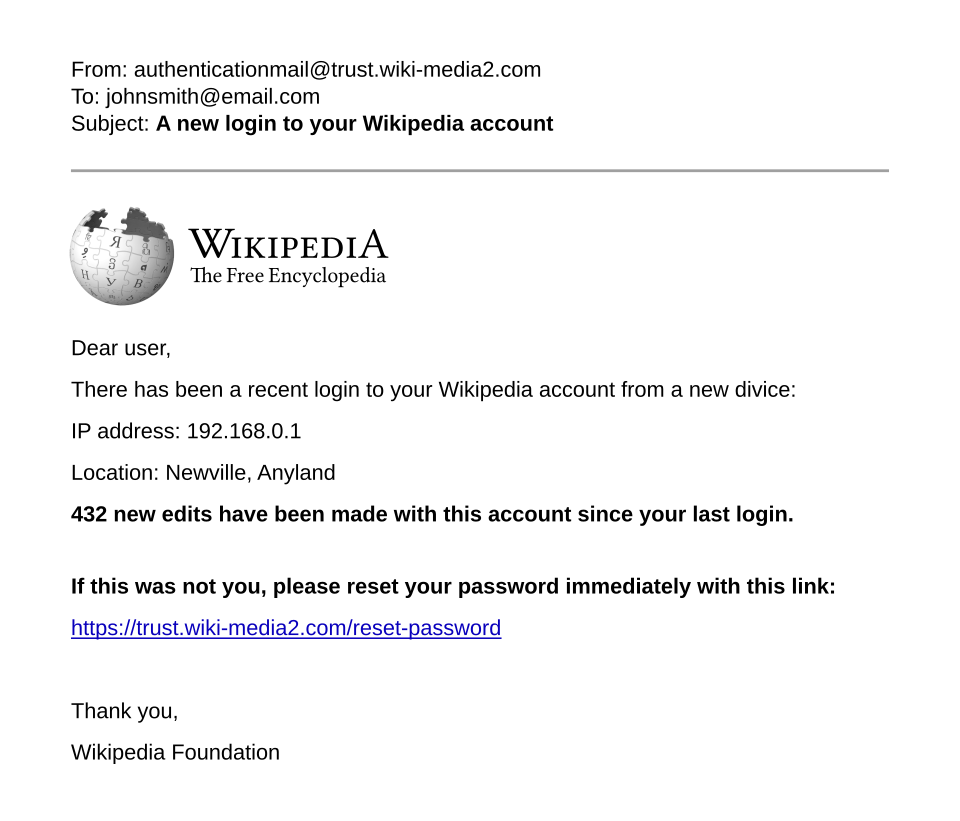
Your 10-minute update plan
Grab a coffee. Save anything you’re working on. Then go down this list:
- Windows: Click Start, open Settings, choose Windows Update, and click Check for updates. Install everything it finds, then restart. Yes, actually restart. Updates don’t finish until you do.
- Outlook and Office on Windows: Open Outlook (or Word), click File, then Account (in Outlook it may say Office Account), then Update Options, then Update Now. Let it finish and reopen Outlook.
- Office on a Mac: Open any Office app, click Help in the menu bar, then Check for Updates.
- Chrome: Click the three dots in the top-right corner, go to Help, then About Google Chrome. It will check and download the update. Click Relaunch when it appears.
- Edge: Click the three dots, go to Help and feedback, then About Microsoft Edge. Restart it when it asks.
- Your phone: Update Chrome from the Google Play Store or App Store. Android owners should also check Settings for a system update; Google’s November Android security patch fixed 216 bugs, per Ivanti.
One more sneaky spot: Microsoft Store apps like Paint update separately from Windows Update. We covered that in our post on Microsoft Paint’s security fix, and it’s worth a peek while you’re already in update mode.
Habits that stop the next one
Patches fix the holes you know about. Good habits protect you from the ones nobody’s found yet.
- Treat surprise attachments like surprise packages. An “invoice,” “voicemail,” or “shared document” you weren’t expecting is the classic delivery method for bugs like this Outlook one. If you didn’t ask for it, verify with the sender another way before opening it.
- Turn on two-step sign-in for your Microsoft account. A stolen or copied login is far less useful to a crook if they also need your phone or a physical security key.
- Back up before big updates. Updates rarely break things, but “rarely” isn’t “never.” Our 10-minute backup guide walks through it.
- Let updates run automatically. On Windows, leave automatic updates on, and set active hours so restarts happen while you sleep instead of during your Zoom call.

Why it matters to you
When a bug is already being exploited, the clock is running. And as The Register points out, once a fix is public, other attackers can study it and work backward to build their own attacks against anyone who hasn’t updated. The people who get burned are almost never the ones who updated on day one. They’re the ones who clicked “remind me later” for three weeks.
There’s a money angle, too. A hijacked email account is how a lot of scams start: fake invoices sent to your contacts, password resets on your bank or shopping accounts, and the kind of mess that takes weekends to clean up. We just saw how one leaked password turned into a hotel-guest headache in our Wyndham app story. Ten minutes of updating is a lot cheaper than any of that.
And honestly, the 1,000-plus fixes a month is the new normal. With AI helping researchers (and criminals) find flaws faster, the smartest move for regular people isn’t to memorize bug numbers. It’s to make updating boring, automatic, and fast.
What I’d grab
You don’t need to buy anything to install updates. But if this story has you shoring up your digital life, these two are worth it:
- Yubico YubiKey 5 NFC security key: works with Microsoft, Google, and Apple accounts, so even a stolen password isn’t enough to get in without this little key in your hand.
- WD 2TB My Passport portable hard drive: an easy, plug-in backup for your photos and documents before big updates, with backup software included.
As an Amazon Associate I earn from qualifying purchases.
Got a weird email or update message you’re not sure about? Tell me about it on the Contact Us page.
Prefer your tech news in 60 seconds or less? Catch my daily tech shorts on YouTube.
Sources
- The Register: November Patch Tuesday boasts over 1,000 bugs but only one zero-day so far (Nov. 10, 2026)
- The Record: Microsoft’s Patch Tuesday surpasses 1,000 bugs for second month in a row
- Tenable: November 2026 Microsoft Patch Tuesday addresses 1,093 CVEs
- Ivanti: November 2026 Patch Tuesday
- Google Chrome Releases: Stable Channel Update for Desktop (Nov. 9, 2026)
- Malwarebytes: Update Chrome now to fix a flaw attackers are exploiting
- SecurityWeek: Chrome update patches exploited XML zero-day, eighth this year




More Stories
Wyndham’s App Had a Password Hiding Inside It. Here’s What Hotel Guests Should Do Now
An AI Deleted a Professor’s Year of Notes While He Ate Lunch. Here’s Your 10-Minute Fix
Your Eco Toilet Paper Brand Got Hacked. Your Card Is Fine. Your Inbox Might Not Be.