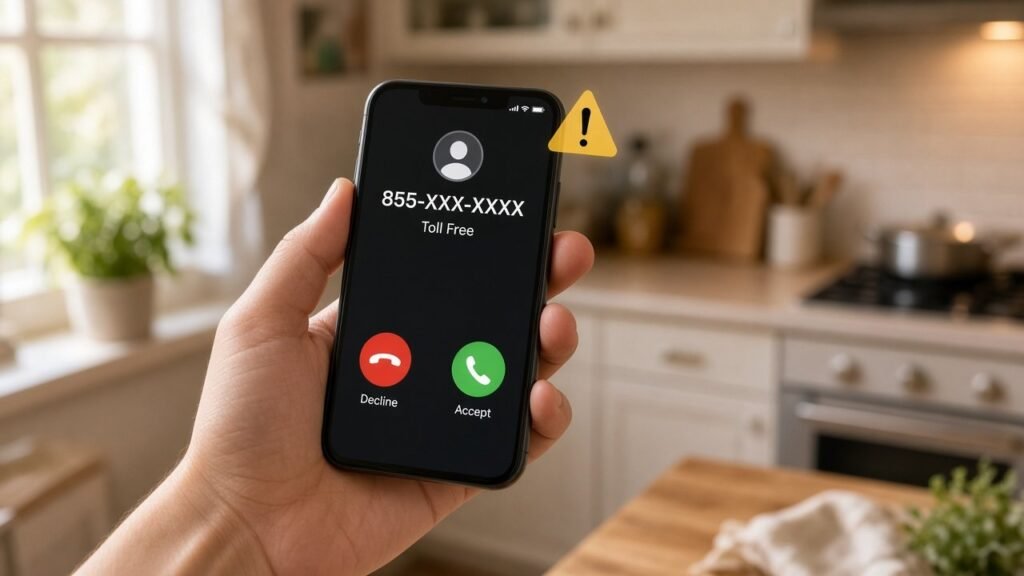
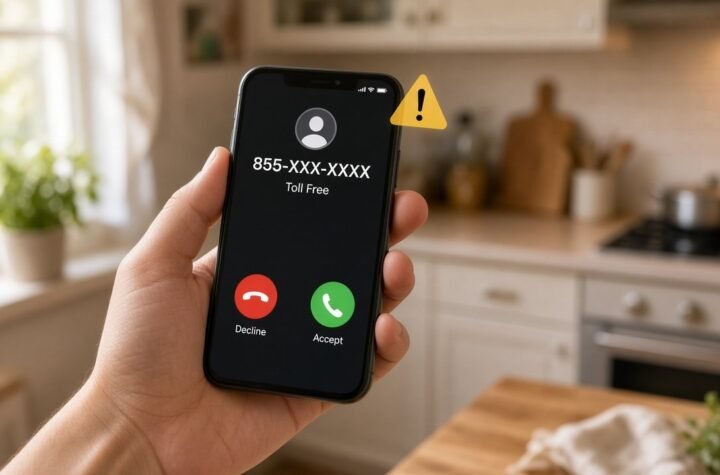
An unexpected call or voicemail about your account is your cue to hang up and check the app yourself. Illustration: AI-generated image (not a real call).
Picture this: you’re in the checkout line, juggling a cart full of groceries, and your phone buzzes with a voicemail. A calm robot voice says someone is trying to change your Venmo password. If that wasn’t you, please press one. Your heart does a little jump, your thumb hovers over the keypad, and that’s exactly the moment the scammer was counting on.
This week, the Hearst Television National Consumer Unit obtained one of these voicemails, and Venmo confirmed it’s a scam. The message says, word for word: “This call is because of an attempt to change the password on your Venmo account. If this was not you, please press one.” Hearst stations from Baltimore to Sacramento ran the warning on November 10, and local radio picked it up as a holiday-season heads-up.
The short version: don’t press one, don’t call back, and don’t hand over anything. Below is how this trick works, what Venmo says it will and won’t cover if someone gets in, and a 10-minute plan to make your Venmo (and the email behind it) much harder to break into.
What the scam call actually sounds like
It’s an automated call, also called a robocall. If you don’t pick up, it leaves a voicemail. The script plays on a very human fear: someone is messing with my money right now. It doesn’t ask for anything up front. It just asks you to press a button, which feels harmless. That’s the hook.
Security folks call this “vishing,” short for voice phishing. It’s the phone version of those fake “your package is delayed” texts. And it isn’t brand new. Call-blocking company YouMail flagged a nearly identical “Venmo Fraud Prevention line” robocall back in 2024, that time claiming someone was changing the phone number on the account. Scammers reuse scripts that work, and they dust them off when people are busy, distracted, and sending lots of money around. In other words: the holidays.
What happens if you press one?
Neither the news report nor Venmo spelled out exactly what happens after the button press. But Venmo’s own scam guide describes the playbook these callers use, and it’s sneaky enough to be worth knowing:
- The scammer already has your email or phone number and tries to log in to your Venmo account.
- Venmo does its job and texts a one-time verification code to your phone, since that’s how it confirms a new login.
- The scammer calls you pretending to be Venmo support, says there’s suspicious activity, and asks you to read them that code “to verify you’re the owner.”
- If you read it out, you just handed them the key to the front door. Now they can move your money.
Venmo lists other versions too: the fake agent who asks you to log in to an account they “created for you,” asks you to install an app so they can “help” with your phone, or tells you to send money to “verify” your account. Every one of those is a scam, every time.
Here’s the golden rule straight from Venmo’s login security page: Venmo will never ask you for your six-digit code by phone call, text message, email, or chat. If anyone asks for that code, they are not Venmo. Think of that code like the PIN for your debit card. The bank will never call and ask you to read it to them, and if someone does, that’s your answer.
Will Venmo give your money back?
Maybe, and the details matter. According to the Hearst report, Venmo’s User Agreement says that if someone steals your password and uses it to send money from your account, that counts as an unauthorized transaction. Venmo says it will cover the full amount of unauthorized activity if you follow its procedures, including reporting it promptly. Wait more than 60 days to report it, and you could lose that protection.
But when reporters asked Venmo whether someone fooled by this specific scam would be reimbursed, the company didn’t directly answer. It said individual cases are reviewed separately and encouraged anyone who thinks they’ve been targeted to contact customer service. Translation: don’t count on a refund as your safety net. Your best protection is never letting them in at all.
Why it matters to you
Payment apps feel casual. You split a pizza, pay the babysitter, send your brother $20 for the fantasy league. But behind that friendly app is a real link to your bank account or debit card, and money sent on payment apps usually moves fast and is hard to pull back. That’s why scammers love them.
This trick also isn’t really about Venmo. The same “press one” or “read me the code” script works on bank customers, PayPal users, Amazon shoppers, and anyone else with an account that sends login codes by text. Learn to spot it once, and you’re protected everywhere. And if you’ve already had to deal with a scam email this month (we covered a fake Frontier Airlines email that used real flight codes), you know these crooks are getting more convincing, not less.
Got the voicemail? Do this
- Don’t press anything, and don’t call back the number that called you. Delete the voicemail and block the number.
- Open the Venmo app yourself (not from a link or a number someone gave you) and look at your recent activity. If nothing looks odd, you’re fine. The scary message was the whole trick.
- Report it, even if you didn’t lose a dime. Venmo asks people to report scams to its support team (in the app: Me, then Settings, then Get Help, then Chat With Us). You can also report it to the Federal Trade Commission at ReportFraud.ftc.gov, which helps them track and shut these operations down.
- If you already pressed one or shared a code, don’t panic, but move fast. Change your Venmo password, change your email password, and contact Venmo support right away. Remember that 60-day reporting window, and don’t wait anywhere near that long.
Your 10-minute Venmo lockdown
Even if you never get the call, these steps from Venmo’s own help pages make your account a much worse target. Grab a coffee and knock them out:
- Turn on the app passcode or Face ID. In Venmo, tap the Me tab, then the Settings gear, then look for the Face ID and Passcode option (on Android it’s called Passcode and biometric unlock). Then Venmo asks for it every time the app opens, so a lost or borrowed phone isn’t an open wallet.
- Check your Remembered devices. Also in Settings. If you see a phone or computer you don’t recognize, remove it and change your password.
- Make sure your phone number is current. Login codes go to the number on file. If it’s an old number, someone else could be getting your codes.
- Lock down your email. Venmo itself points out that someone with access to your email could make changes to your Venmo account. Your email is the master key to almost everything, so give it a strong, unique password and the strongest two-step login it offers.
- Know what real Venmo email looks like. Legit Venmo messages come from an address ending in venmo.com. Anything else asking you to log in goes straight to the trash.
- Tighten your privacy settings. Venmo warns that scammers use public payment feeds to impersonate your friends. Setting your transactions to private makes that harder.
If you use a password manager, good news: it can create and remember those strong passwords for you. (If you use mSecure, check out our rundown on its recent breach warning first.)
What I’d grab
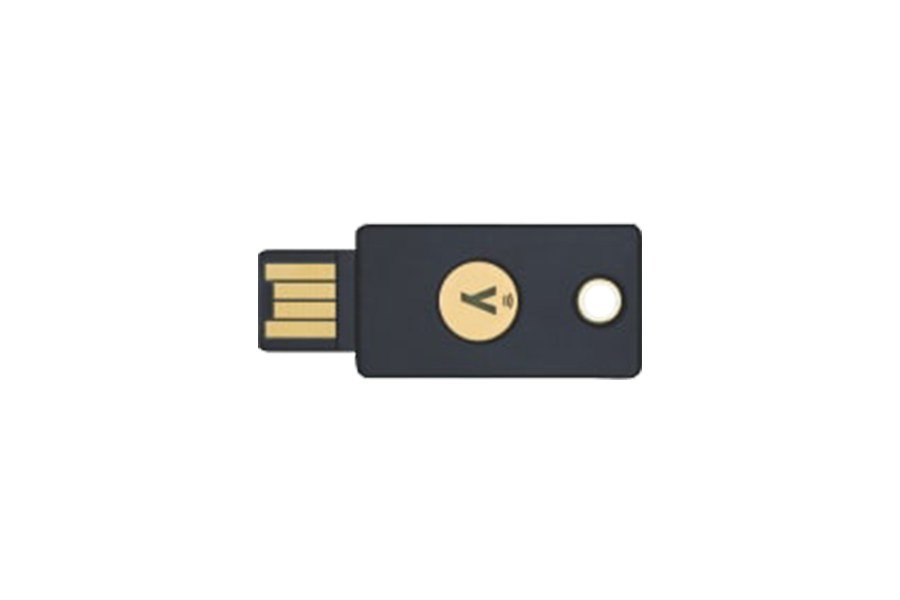
Venmo’s login codes come by text, but the email account behind it can be protected with something much stronger: a physical security key. Major email services like Gmail and Outlook support these. Once it’s set up, a scammer who tricks you out of your password still can’t get into your email without the little key in your pocket.
- YubiKey 5 NFC: the well-known option. Plugs into a USB-A port or taps the back of a phone, and works as a passkey for the big email and social accounts.
- Yubico Security Key C NFC: a simpler, more basic version for newer laptops and phones with USB-C. Plenty for locking down email and most everyday accounts.
As an Amazon Associate I earn from qualifying purchases.
Tip: buy two keys and register both, then keep the spare somewhere safe. That way losing one doesn’t lock you out of your own account.
The bottom line
Real companies don’t call you out of the blue and ask you to press a button or read back a code to “protect” your account. When a call or voicemail makes your stomach drop, that’s your signal to slow down, hang up, and open the app yourself. Share this with the friend who pays you back for brunch on Venmo. It might save them a very bad week.
Got a scam call or text I should look into? Tell me about it on the Contact Us page.
Want scam alerts like this in under a minute? Catch my daily tech shorts on YouTube.
Sources
- WBAL-TV / Hearst Television National Consumer Unit: Got this voicemail? It could be a scam targeting your Venmo account (Nov. 10, 2026)
- KCRA 3 Sacramento: the same Hearst consumer report on the Venmo voicemail scam (Nov. 10, 2026)
- KOSI 101.1: A Venmo Scam to Watch Out for This Holiday Season (Nov. 10, 2026)
- Venmo Help Center: Common Scams on Venmo
- Venmo Help Center: Login Security
- YouMail: Scam Call of the Week, Venmo Password Change Scam (2024)
- Federal Trade Commission: ReportFraud.ftc.gov




More Stories
50 Websites That Feel Like the Internet’s Hidden Toolbox
Microsoft Just Fixed 1,000+ Security Holes, and Hackers Already Beat It to One in Outlook. Here’s Your 10-Minute Update Plan
Wyndham’s App Had a Password Hiding Inside It. Here’s What Hotel Guests Should Do Now