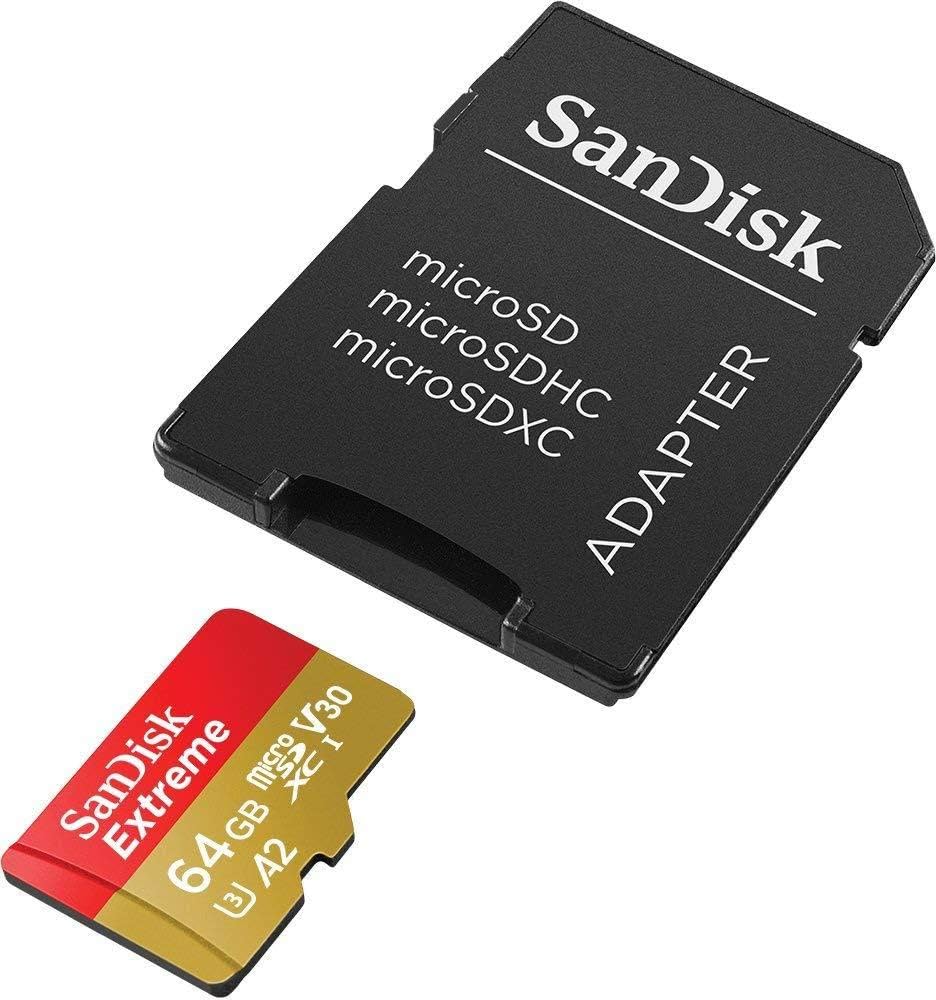
If you are trying to delete files off a Micro SD Card or other and Windows states it is Read Only; here is your fix.
Step 1: Insert your SD Card
Step 2: Click “Start” > “Run” and enter cmd.
Step 3: Enter diskpart.
Step 4: Type list volume. Now you’ll see all your connected drives, see which one is the memory card drive.
Step 5: Type select volume #. # represents the letter of your memory card drive.
Step 6: Type attributes disk clear readonly > removing the write protection.


More Stories
The Myth of Absolute Anonymity on the Dark Web – Why Kali, VPNs, and Tor Aren’t a Magic Shield
I Got “Hacked” – Now What? How to on what to do.
How to make a Flash Drive Bootable – Boot from Flash Drive