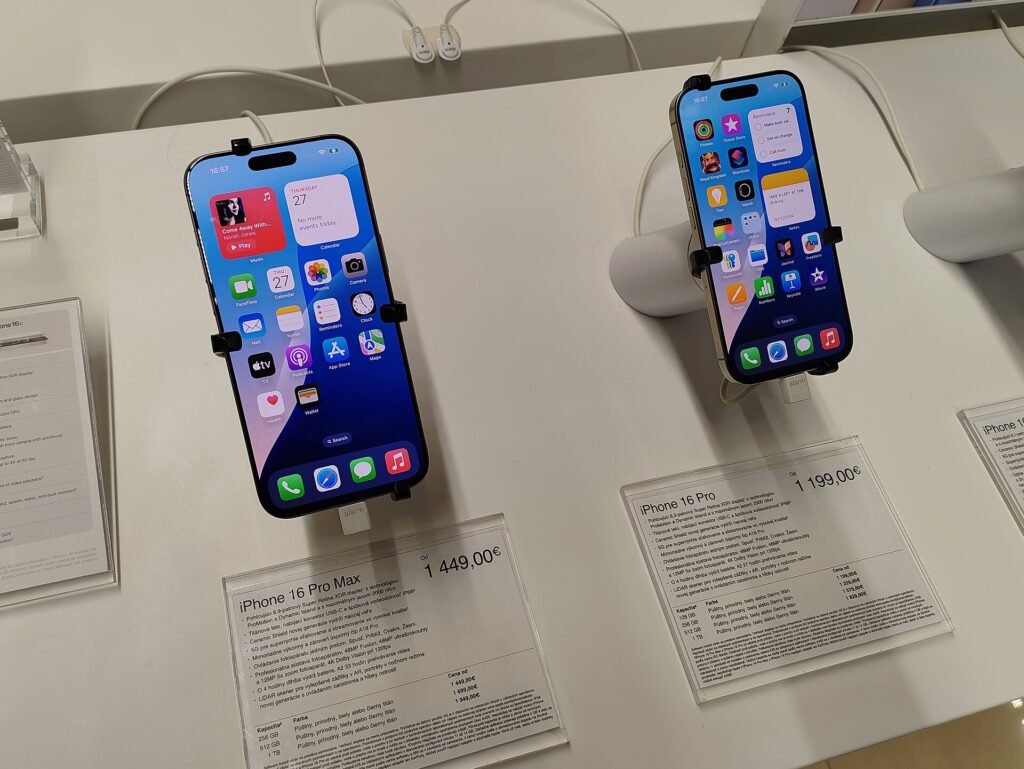
Every app on your iPhone is supposed to live in its own locked room. A newly published flaw lets a sneaky app peek into the others. Image: Jakub CA, via Wikimedia Commons, CC BY 4.0.
Your iPhone is built like an apartment building with really strict neighbors. Every app gets its own locked unit. Your banking app can’t wander into your photo app’s place, and that random flashlight app you downloaded in 2019 definitely can’t go rummaging through your email. Apple calls this the “sandbox,” and it’s one of the main reasons iPhones have a reputation for being hard to hack.
This week, somebody published a skeleton key for those apartment doors. It’s called worse_query (yes, really), and as of today, November 12, security researchers say Apple still hasn’t fixed it, not even in the update it shipped on Monday. Crypto exchange Binance was worried enough to warn iPhone users about it on November 10, and Apple-focused sites AppleInsider and 9to5Mac picked it up on November 11.
Before you hurl your phone into a lake: nobody has reported an actual attack using this flaw so far, and most people can lower their risk a lot in about ten minutes. Here’s what happened, who should actually worry, and exactly what to do.
What is worse_query, in plain English?
Normally, each app on your iPhone can only see its own files. worse_query is what security folks call a “sandbox escape”: a trick that lets one app climb over the wall and read files that belong to other apps. According to Security Affairs, it can also change or delete that data, and it doesn’t require jailbreaking the phone or any fancy deep-system hack.
The two researchers behind it, who go by forcequitOS and 0xjohnny online, posted working sample code on GitHub on Sunday, November 8. The researcher’s own notes say it works on iOS 26.0 through 26.7.2 and on iOS 27.2. Binance’s warning named iOS 26.7.1, 27.0.1, and 27.2 specifically.
Why does reading other apps’ files matter? Because some apps store sensitive stuff right on your phone. Binance’s warning put it bluntly: the flaw puts “seed phrases, private keys, and login credentials at risk across the entire ecosystem.” In normal-person terms, that means the secret recovery words for crypto wallets, and potentially the saved logins that keep you signed in to apps.
Wait, didn’t Apple just release an update?
It did. Apple shipped iOS 27.2.1 and iOS 26.7.3 on November 9. But as AppleInsider and 9to5Mac both point out, Apple’s security notes for 27.2.1 don’t list anything that matches this flaw. And on November 10, the researcher posted that worse_query “is not patched in iOS 27.2.1 and 27.3 beta 1.”
Apple generally doesn’t comment on security problems until it has a fix ready, so it hasn’t said anything publicly about this one. According to AppleInsider, the researcher shared a screenshot from October 10 showing Apple said it would review the report soon, and then went public about a month later, saying Apple was “stalling.” Whether that early release was fair is a hot debate in security circles. Either way, the code is public now, which usually lights a fire under a company to ship a patch fast.
So who should actually worry?
Here’s the good news. To pull off this trick, a malicious app has to be installed on your phone in the first place. Security Affairs explains that the code needs a special kind of shared storage space set up for the app, and the easiest way that happens today is through “sideloading” tools like AltStore and SideStore, which install apps from outside Apple’s App Store. Developers have already built working apps on top of the flaw, including a file manager that can poke around in other apps’ data.
So think of your risk like this:
- Higher risk: you’ve sideloaded apps from outside the App Store, installed a “modded” or “free premium” version of a paid app, or followed instructions from a Discord server or YouTube comment to install something. Doubly so if you keep cryptocurrency in a wallet app on your phone.
- Moderate risk: you only use the App Store, but you have a lot of random apps from developers you’ve never heard of. Apple reviews apps, but no review process is perfect.
- Lower risk: you stick to well-known apps from the App Store and don’t do crypto on your phone. You’re not immune, but you’re a much harder target.
Remember, as of the latest reports from 9to5Mac and The Hacker News, nobody has reported stolen data or stolen crypto tied to this flaw. The goal right now is to close the door before someone tries the handle.
What to do right now (about 10 minutes)
- Delete apps you don’t trust. This is Binance’s number one recommendation. Scroll through your home screen and App Library. Anything sideloaded, “cracked,” or that you don’t remember installing should go. Touch and hold the app, tap Remove App, then Delete App. Apple’s step-by-step guide shows how.
- Update anyway. Go to Settings, then General, then Software Update. iOS 27.2.1 doesn’t fix this specific flaw, but it does include other security fixes, and when Apple’s real fix arrives, you’ll want automatic updates turned on so you get it right away. Do not install any “worse_query fix” app or profile from a website. The only real fix will come from Apple through Software Update.
- Update your apps too. Open the App Store, tap your profile picture, and pull down to refresh the list of updates.
- Get your crypto secrets off your phone. If you ever saved your wallet’s recovery words in the Notes app, a screenshot, or a photo, move them to paper or metal stored somewhere safe, then delete the digital copy. If you think anything is off, Binance’s advice is to move funds to a brand-new wallet set up on a clean device and sign out of all active sessions.
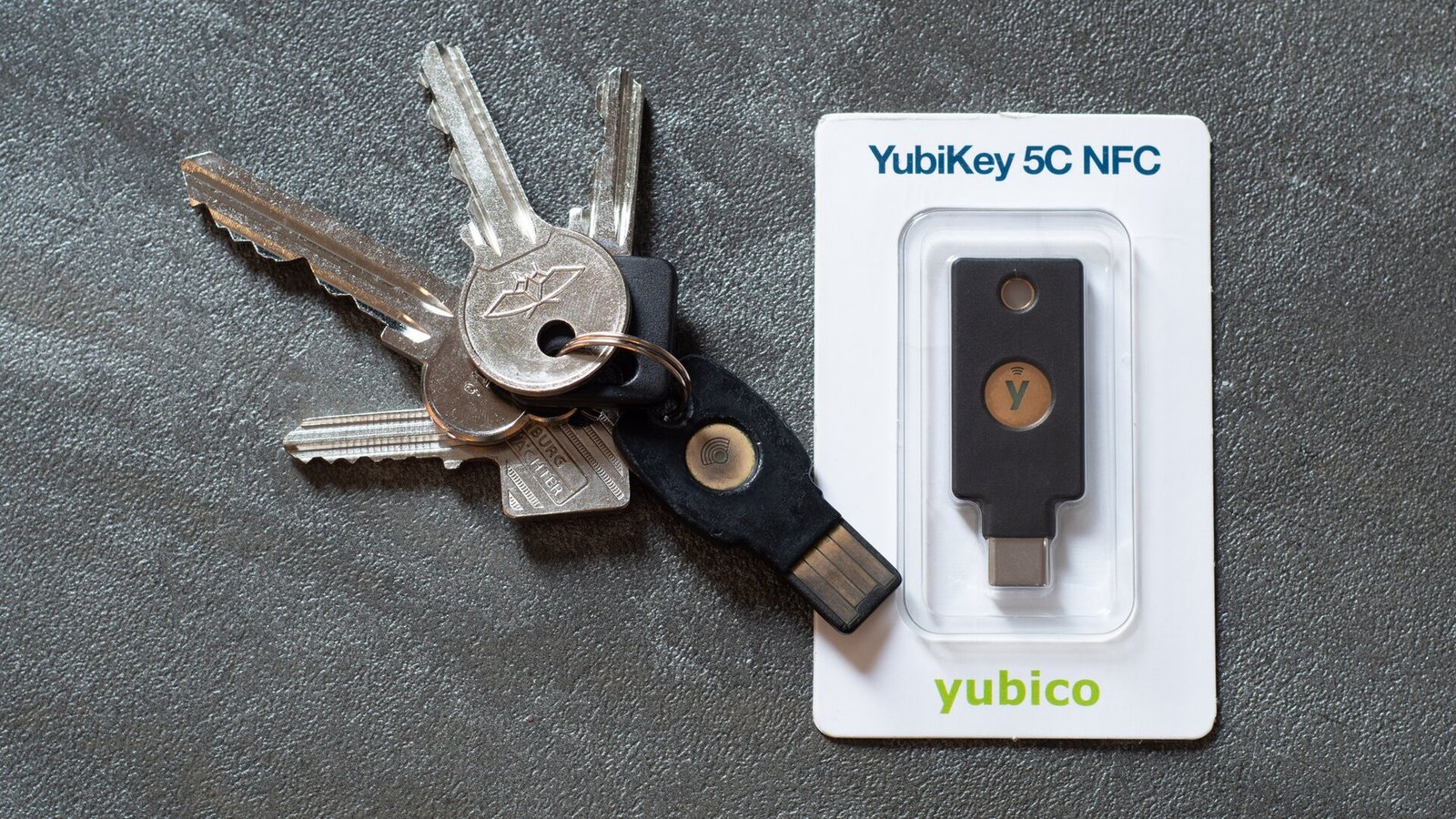
- Lock down your important accounts. If a login were ever stolen, a second sign-in step stops the thief cold. A physical security key is the strongest version of that, and Apple lets you use one on your Apple Account (Settings, tap your name, then Sign-In & Security).
Why it matters to you
For years, the unofficial advice has been “iPhones don’t get viruses.” That was never totally true, and this week is a good reminder why. Your phone holds your bank, your email, your photos, your two-factor codes, and for a lot of people, their savings in crypto. One sketchy app is all it takes to turn a walled garden into an open house.
It also matters because sideloading is getting more common. Apps from outside the App Store are now officially allowed in some parts of the world, and tools that make sideloading easy are popular with people chasing free versions of paid apps or games. That’s exactly the doorway this flaw uses. A “free” app that costs you your crypto wallet is the most expensive free thing you’ll ever download.
And honestly, the same habits protect you from the next flaw too. Fewer random apps, faster updates, and a second lock on your important accounts are boring, but boring is what keeps you off the evening news. It’s the same playbook we laid out for Windows users in our 10-minute update plan.
What I’d grab
You don’t need to buy anything to stay safe from this flaw. Deleting sketchy apps and updating is free. But if you want to make your accounts and crypto much harder to steal, these two are worth a look:
- Yubico Security Key C NFC: a physical sign-in key that works with newer iPhones by tapping it to the phone (NFC) or plugging into the USB-C port, so a stolen password alone can’t get anyone into your Apple Account, Google, or other accounts that support passkeys and security keys.
- KEYSTONE Crypto Seed Storage steel capsule: a metal backup for your crypto wallet’s recovery words, so they live in a drawer instead of in your Notes app or camera roll where a malicious app could find them.
As an Amazon Associate I earn from qualifying purchases.
The bottom line
A public, unpatched iPhone flaw sounds scary, and it’s a real problem Apple needs to fix. But the attacker still has to get a bad app onto your phone first. Clean out the apps you don’t trust, keep updates on, and keep your crypto recovery words off your phone. Do that, and this flaw goes from “oh no” to “oh well.” We’ll update this post when Apple ships an actual fix.
Did you find a mystery app on your phone you don’t remember installing? Tell me about it on the Contact Us page.
Want the 60-second version of stories like this? Catch my quick tech shorts on YouTube.
Sources
- AppleInsider: Unpatched exploit allows malicious iOS apps to steal data (Nov. 11, 2026)
- 9to5Mac: Binance warns iPhone crypto holders of security flaw researchers say remains unpatched (Nov. 11, 2026)
- Security Affairs: iOS Sandbox Escape Is Public, and Apple Hasn’t Confirmed a Fix (Nov. 10, 2026)
- forcequitOS on GitHub: worse_query proof of concept and supported iOS versions
- Apple iPhone User Guide: Remove or delete apps from iPhone


More Stories
Microsoft Might Pay You to Rent Out Your Gaming PC for AI. Do the Electricity Math First
Got a Voicemail About Your Venmo Password? Don’t Press 1. Here’s What to Do Instead
50 Websites That Feel Like the Internet’s Hidden Toolbox