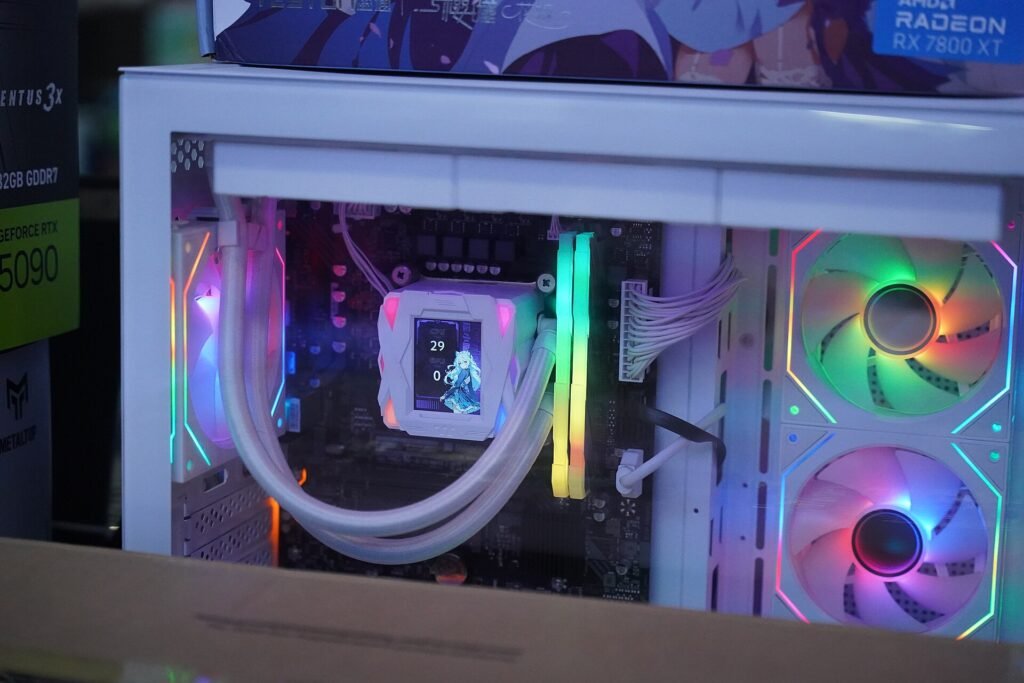
A gaming PC spends most of the day doing nothing. Microsoft's patent imagines putting that idle time to work. Image: Benlisquare, via Wikimedia Commons, CC BY-SA 4.0.
Your gaming PC has a pretty sweet life. It works hard for a few hours at night, then spends the rest of the day sitting in the corner, glowing like a tiny rave nobody showed up to. Microsoft has noticed. And it has an idea: what if that bored graphics card went to work training artificial intelligence while you’re at your actual job?
A Microsoft patent application made public on November 5 describes exactly that. Tech sites including Insider Gaming, VideoCardz, TechPowerUp, and Wccftech dug into it over the past several days, and the headline everyone ran with is simple: Microsoft could pay gamers to rent out their idle GPUs for AI training.
Before you start planning how to spend your graphics card’s paycheck, though, there’s a catch nobody can ignore. When your PC works, your electric meter spins. So let’s break down what Microsoft actually proposed, what it would cost you to run, and how to find out (for real, with numbers) whether a deal like this would ever be worth it in your house.
What Microsoft actually proposed
The filing is titled “Opportunistic Micro-training on Edge Devices Using Spare GPU Utilization.” Translated from patent-speak: use the spare muscle in people’s phones, laptops, and gaming PCs to train AI. According to the reports, Microsoft Technology Licensing filed it in April 2025, and it was published as application US-20260349820-A1.
Here’s the basic idea, in plain English:
- Chop up the big job. Training an AI model normally happens in giant data centers stuffed with expensive chips. The system would slice that work into small “micro-tasks” sized to whatever each device can handle.
- Only use the leftovers. It watches your GPU and processor load, memory, temperature, and power draw, and hands out work only when your machine has spare capacity. If your PC gets busy or hot, tasks can be scaled back, paused, or stopped.
- Double-check the homework. Results get cross-checked across devices so one flaky or tampered-with computer can’t mess up the training.
- Ask first, then pay. You’d have to explicitly opt in. The system could track how much work your device did and apply credits to your account, which the filing says could be traded for free software, access to the trained AI model, or money.
Think of it like renting out your driveway when you’re not parked in it. The driveway was sitting there anyway. Someone else gets a spot, and you get a few bucks. The question is whether the few bucks are worth the wear and tear.
Hold on: is this actually happening?
Not yet, and maybe never. This is a patent application, not a product. Microsoft hasn’t announced a Windows or Xbox service, a sign-up page, a list of supported hardware, a launch date, or how much it would pay. TechPowerUp put it bluntly: plenty of patent applications never turn into products.
There’s another wrinkle. Wccftech points out that payment is described as one possible way to do it, not a requirement. None of the application’s 20 published claims, the legally important part of a patent, actually spells out paying the people who take part. And Insider Gaming reads the filing as Microsoft acting as a middleman for other companies that want to train AI but can’t afford the hardware, which raises fair questions about whose AI would be running on your machine.
Still, the idea isn’t crazy. Volunteers have donated spare computer power to science for years through projects like Folding@home, and during the cryptocurrency boom, plenty of gamers ran their graphics cards around the clock for coins. This would basically be the paid, AI-flavored version.
The catch: your power bill gets a vote
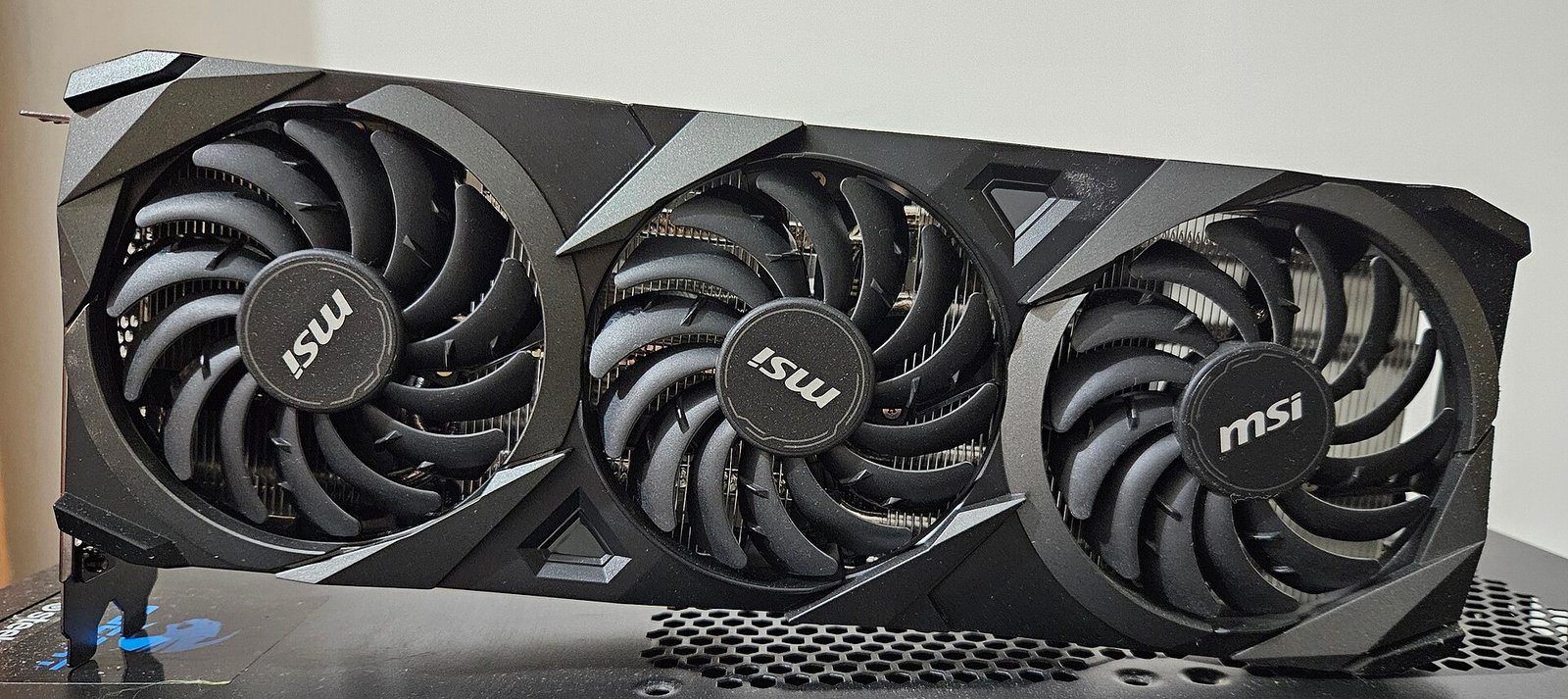
A graphics card working hard is one of the hungriest things in your home. Wccftech notes that a top-end card like the RTX 5090 can draw nearly 600 watts under heavy work. Even a mid-range card pulls a few hundred watts when it’s busy. Your utility doesn’t care whether that power went to a video game or somebody’s chatbot. You pay for it either way.
Here’s the quick math, no calculator degree required. Electricity is billed in kilowatt-hours (kWh). One kWh is 1,000 watts running for one hour. So you multiply the extra watts by the hours, then divide by 1,000.
German site PC Games Hardware (cited by both VideoCardz and Wccftech) used a simple example: an extra 250 watts for four hours a day adds about 30 kWh a month. At 35 cents per kWh, which is what folks pay in pricier states, that’s about $10.50 a month. Using the national average residential rate of 18.16 cents per kWh from the U.S. Energy Information Administration (August 2026 data), the same 30 kWh costs about $5.45.
Now picture leaving it running all day and all night, which is what “earn while you sleep” pitches usually push you toward. That same extra 250 watts around the clock is about 180 kWh a month. At the national average, that’s roughly $33 a month, or close to $400 a year. In a high-rate state, nearly double that. So any payout would have to beat your electricity cost before you’ve earned a single real penny.
And power isn’t the only cost. A card running hot for hours means more fan noise, more heat in the room (nice in January, miserable in July), and more hours of wear on a part that might have cost you more than your first car payment. The patent says the system tries hard not to slow you down or overheat your gear, but it’s fair to want proof before you hand over the keys.
Your graphics card can already work for you
Here’s a fun twist. The same graphics card Microsoft wants to borrow can run AI for you, privately, right now, for free. Tools like Ollama let you run AI chat models on your own computer, so your questions never leave your house. Same electricity, but you’re the one getting the benefit.
Why it matters to you
AI companies are hungry for computing power, and graphics cards are expensive and hard to get. All those gaming PCs sitting idle in homes look like a giant untapped data center. Microsoft probably won’t be the last company to come knocking, and when someone does, the pitch will sound like free money.
It isn’t free. It’s a trade: your electricity, your hardware’s lifespan, and some trust about what’s running on your machine, in exchange for credits or cash. Sometimes that might be a good deal, especially if your power is cheap. If you have solar panels and your utility pays you very little for the extra power you send back to the grid, running that work during sunny hours could change the math in your favor. But you can only judge the deal if you know what your PC actually costs to run, and most people have no idea.
That also matters right now, with or without Microsoft. We just covered how winter heating bills are forecast to jump about 7%. Knowing which devices in your home are quietly eating power is one of the cheapest ways to fight back.
What to do now
- Don’t sign up for anything yet. There’s no official Microsoft program. If an email, ad, or app claims to be “Microsoft’s pay-for-your-GPU program,” treat it as a scam until Microsoft announces it on its own website.
- Find your real rate. Grab your latest electric bill and look for the price per kWh (include delivery charges if they’re listed separately). That one number decides whether any “get paid for your PC” deal makes sense.
- Measure your PC. Plug it into a power meter and check what it draws sitting idle, browsing, and gaming. Multiply by your hours and your rate. Now you know your break-even number.
- Check sleep settings. If your PC sits on all day for no reason, set Windows to sleep when idle (Settings, then System, then Power). That’s an easy saving you get today.
- If a real program launches, read the fine print. Look for the payout rate per hour, whether you can set limits on hours and temperature, what data or software runs on your machine, and how easy it is to quit. And if you have a Windows PC, keep it updated. Our 10-minute update plan still applies.
What I’d grab
To know whether renting out your PC (or just leaving it on) is costing you, you need to see the watts. These two tools make that easy:
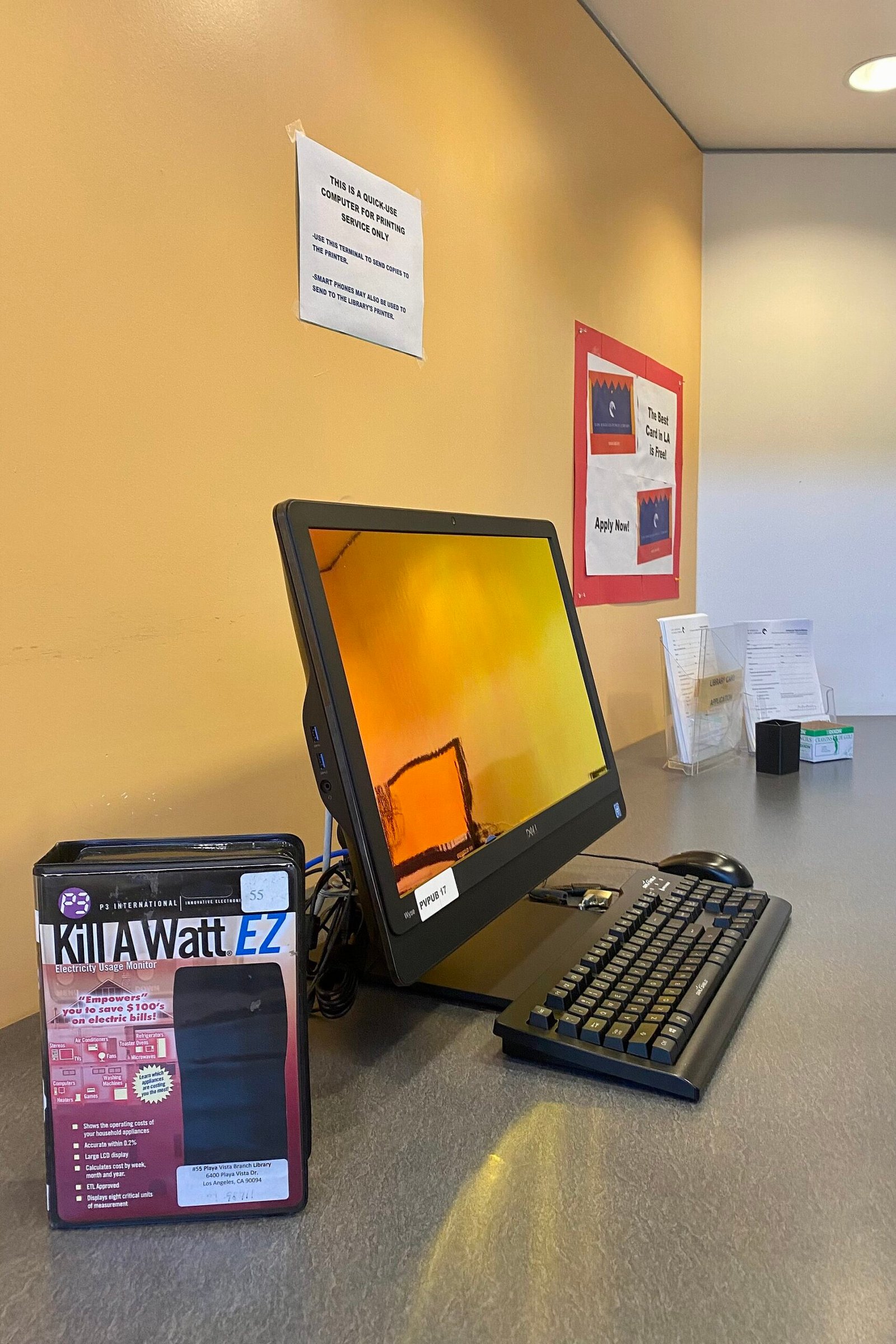
- P3 Kill A Watt P4400 Electricity Usage Monitor: plug it into the wall, plug your PC into it, and read exactly how many watts it pulls and how many kWh it uses over time. No app, no Wi-Fi, no fuss.
- Kasa Smart Plug Mini with Energy Monitoring (KP115): tracks your PC’s power use in a phone app day after day, so you can see what it really costs per month, and switch it off remotely when it should be sleeping.
As an Amazon Associate I earn from qualifying purchases.
Bonus tip: check your local library before you buy. Some libraries, like the Los Angeles branch in the photo above, lend power meters for free.
The bottom line
Microsoft’s patent is a peek at where AI is heading: companies want your hardware, and someday they may pay for it. Whether that’s a good deal comes down to one boring number on your power bill. Measure first, then decide. Your graphics card deserves a fair wage, and so does your wallet.
Would you rent out your gaming PC for AI if the price was right? Tell me on the Contact Us page.
Like plain-English tech news like this? Come hang out on my YouTube channel for more.
Sources
- Insider Gaming: Microsoft Could Let You Earn Money By Lending It Your Idle GPUs for AI Training (Nov. 7, 2026)
- VideoCardz: Microsoft patent describes turning idle gaming GPUs into paid AI training hardware (Nov. 9, 2026)
- TechPowerUp: Microsoft Patent Describes Paying PC Owners to Train AI on Idle GPUs (Nov. 10, 2026)
- Wccftech: Microsoft Could Pay Gamers to Train AI Using Their Idle GPUs, New Patent Reveals (Nov. 11, 2026)
- U.S. Energy Information Administration: Electricity Monthly Update, average residential price August 2026




More Stories
Got a Voicemail About Your Venmo Password? Don’t Press 1. Here’s What to Do Instead
50 Websites That Feel Like the Internet’s Hidden Toolbox
Microsoft Just Fixed 1,000+ Security Holes, and Hackers Already Beat It to One in Outlook. Here’s Your 10-Minute Update Plan