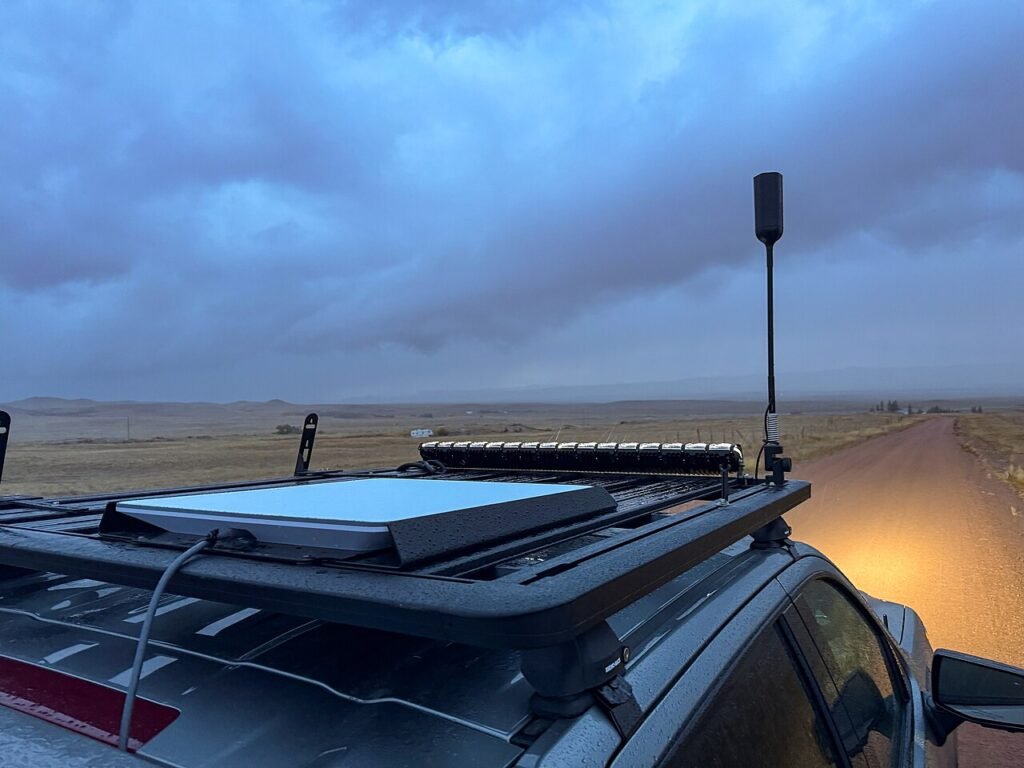
Starlink is a lifeline in places with no other good internet. Photo: Tony Webster, via Wikimedia Commons, CC BY 2.0.
If you have Starlink, check your email before your next bill shows up. SpaceX has started changing Starlink’s home internet prices neighborhood by neighborhood, and for some people the monthly bill is jumping as much as 20%. For others it’s actually going down.
And here’s the twist nobody saw coming: some customers are getting money knocked off their bill just by asking the chatbot in the Starlink app, which runs on xAI’s Grok. It’s a bit like haggling with a vending machine and having it hand you a free soda. It doesn’t work for everyone, but it costs nothing to try. Here’s what’s changing, what people are getting, and exactly how to ask.
What Starlink is changing
On October 29, some Starlink customers in Kansas and Missouri got an email saying Starlink now prices “dynamically based on supply of capacity and demand from customers,” according to PCMag. The email said Starlink would review prices “roughly quarterly,” and that changes “won’t just be increases” because prices may drop as the company adds capacity.
Think of it like surge pricing for a ride-share, except instead of paying more when it’s raining at 2 a.m., you pay more because a lot of your neighbors signed up for Starlink too. Fewer people sharing the satellites over your area can mean a lower price. A crowded area can mean a higher one.
About a week later, the change spread. PCMag reported that customers in states including Virginia, Louisiana, North Carolina, Washington and Alaska got price emails too. Here’s what the numbers looked like in those reports:
- The Residential Max plan going from $130 to $156 a month in some areas. That’s a 20% bump, or about $312 more a year.
- Other areas seeing a 10% increase, like one Texas customer whose bill went from $130 to $143.
- A Missouri customer on the 100 Mbps plan going from $50 to $60.50, starting with the billing cycle on or after November 30.
- Some lucky areas, like Kansas City, Missouri, getting 10% to 20% cheaper plans instead.
PCMag noted that code on Starlink’s website suggests the swings are capped at 20% up or 20% down, at least for now. For some people this is the second increase this year, since Starlink already raised several plan prices by $5 to $10 in May.

Why is this happening?
It comes down to space, literally. Each patch of sky only has so much internet to go around until SpaceX launches more satellites. Starlink has been signing up customers fast, ending September with 13.6 million consumer subscribers worldwide, according to Light Reading.
The good news is the service itself keeps getting better. Light Reading reports that speed-test company Ookla found typical U.S. Starlink upload speeds jumped 42% over the past year, and download speeds rose 12% to about 120 Mbps, though downloads actually slowed in 16 states. SpaceX is also starting to launch bigger “V3” satellites, but its president has said it will take a few hundred of them, likely by mid-2027, before customers really feel the difference.
Meanwhile, Starlink is offering new customers 30% or even 50% off in some places where it has room to spare, like Boston, San Francisco and New York City. The company has been advertising it on X too, telling people that “Starlink has capacity available in your area” and to sign up by November 30th. If you’re a loyal customer in a busy rural area, you can see why that stings.
The Grok discount trick
When people started complaining to Starlink’s support chat, which uses Grok to answer first, something funny happened. Some of them got discounts. PCMag collected reports of customers getting $39 off their monthly bill, a one-time $250 credit, or a smaller one-time credit of about $26. A PCMag writer in the U.K. tried it himself and got £24 a month off his plan.
Wes Bos posted on X that asking Grok in the app cut his bill by $45 a month. And Tesla News Wire, citing the site Tesla North, reported that some existing customers in Canada and the U.S. were offered 30% off their monthly plan.
Now for the fine print, because there’s always fine print:
- It doesn’t work for everyone. Some people got nothing, and one Reddit user told PCMag a discount worked at first but was switched back a couple of days later.
- The new offer may replace a promo you already have instead of stacking on top of it.
- It applies to one service line, and it won’t lower a bill that has already been issued.
- Starlink hasn’t publicly explained these offers, so the terms could change at any time.
How to ask for a Starlink discount, step by step
This takes about five minutes, and the worst thing that can happen is a polite “no.”
- Open the Starlink app on your phone and sign in.
- Go to Support and start a new message. The chat is handled by Grok first.
- Ask plainly. Something like: “I’m an existing customer. Are there any discounts or service offers available for my plan?” Some customers asked specifically about the 30% offer they’d heard about.
- Read the offer before you say yes. Check the dollar amount, when it starts, how long it lasts, and whether it replaces a coupon you already have.
- Take a screenshot of the chat once it’s applied, then check your next bill to make sure the discount actually shows up.
- Look at your plan, too. If you’re paying for Residential Max but mostly stream TV and check email, a cheaper tier may be all you need.
One more tip: be nice. Being rude to a chatbot won’t hurt its feelings, but a calm, clear request is easier for it to act on, and you’d be surprised how far “I’d like to stay a customer” gets you with any company.
Why it matters to you
For a lot of rural families, Starlink isn’t a fun gadget. It’s the only decent internet for miles, and that’s exactly what worries analysts. “In markets where they are the only option, customers are at the mercy of Starlink and its pricing strategies,” analyst Teresa Mastrangelo told Light Reading. Other internet companies are going the other way, with Comcast offering price locks of up to five years.
So the practical takeaways are simple. Read every email from Starlink instead of deleting it. Expect your price to be reviewed every few months. And if a cheaper option like fiber or 5G home internet finally reaches your road, it’s worth getting a quote. Even if you stay with Starlink, knowing your options makes you a stronger negotiator, whether you’re talking to a person or a robot.
What I’d grab
If Starlink is your lifeline, protect it from one of the most common things that knocks it offline: the power blinking off. A small battery backup (called a UPS) plugged in between the wall and your Starlink power supply and router keeps you online through short outages and protects the gear from surges. Check your Starlink kit’s power use first so you pick one with enough capacity.
- APC Back-UPS 600VA (BE600M1): a small battery backup and surge protector that keeps your Starlink router and Wi-Fi running through short blinks and brief outages, so a flicker doesn’t knock you offline for several minutes while everything reboots.
- CyberPower CP1500PFCLCD UPS: a bigger battery backup with a screen that shows how much power your setup is pulling and roughly how long it will last, a good pick if you want your dish, router and a laptop to ride out a longer outage.
As an Amazon Associate I earn from qualifying purchases.
The bottom line
Starlink bills are now a moving target, up in some neighborhoods and down in others. If yours is going up, open the app and ask Grok what offers you qualify for. It takes five minutes, and you might shave a nice chunk off your bill. If it says no, you’ve lost nothing but a little pride, and honestly, we’ve all lost more than that arguing with a printer.
Did asking work for you? Tell me what Grok offered through the Contact Us page, and I’ll share the most useful tips.
Want more money-saving tech tips in under a minute? Catch my daily shorts on YouTube.
Sources
- PCMag: Starlink Tests Dynamic Pricing. Bills Could Be 20% Higher Depending on Location (Oct. 29, 2026)
- PCMag: Starlink’s Surge Pricing Expands, Igniting Backlash (Nov. 7, 2026)
- PCMag: Want Cheaper Starlink? Try Asking Its Grok AI-Based Customer Support (Nov. 9, 2026)
- Tesla News Wire: Existing Starlink Customers Can Check the App for a 30% Discount (Nov. 12, 2026)
- Light Reading: Starlink gets faster ahead of V3 launches, but shift to dynamic pricing could backfire (Nov. 11, 2026)
- Starlink on X: discounted Residential service in areas with capacity (Nov. 8, 2026)
- Wes Bos on X: asking Grok in the Starlink app for a discount (Nov. 9, 2026)




More Stories
Hackers Say They Stole Nearly a Billion Expedia Records. Here’s How to Keep Your Holiday Trip Scam-Free
A Public iPhone Flaw Lets Sneaky Apps Read Other Apps’ Data, and Apple Hasn’t Fixed It Yet. Here’s What to Do
Microsoft Might Pay You to Rent Out Your Gaming PC for AI. Do the Electricity Math First